





- Debunking the Confusion: What Does IPTV Mean in Plain English?
- Myth: IPTV is Always Illegal
- Clearing Up What Does IPTV Mean for Your Living Room
- Problem and Solution: Beating the Buffering Beast
- Myth: You Need Gigabit Fibre to Watch Internet TV
- Problem and Solution: Managing Overwhelming Channel Guides
- Looking Forward
Switch on your television today, and you’ll likely bypass the traditional rooftop aerial altogether. Millions across the UK now stream live broadcasts and catch-up shows straight through their broadband routers. If you have ever wondered What Does IPTV Mean beyond the technical acronym, you are not alone. People throw the term around constantly in tech forums and local chat groups. Yet, many households still confuse it with standard web streaming like Netflix or YouTube. Let’s clear up the confusion and look at how this technology actually works in British homes.
Debunking the Confusion: What Does IPTV Mean in Plain English?
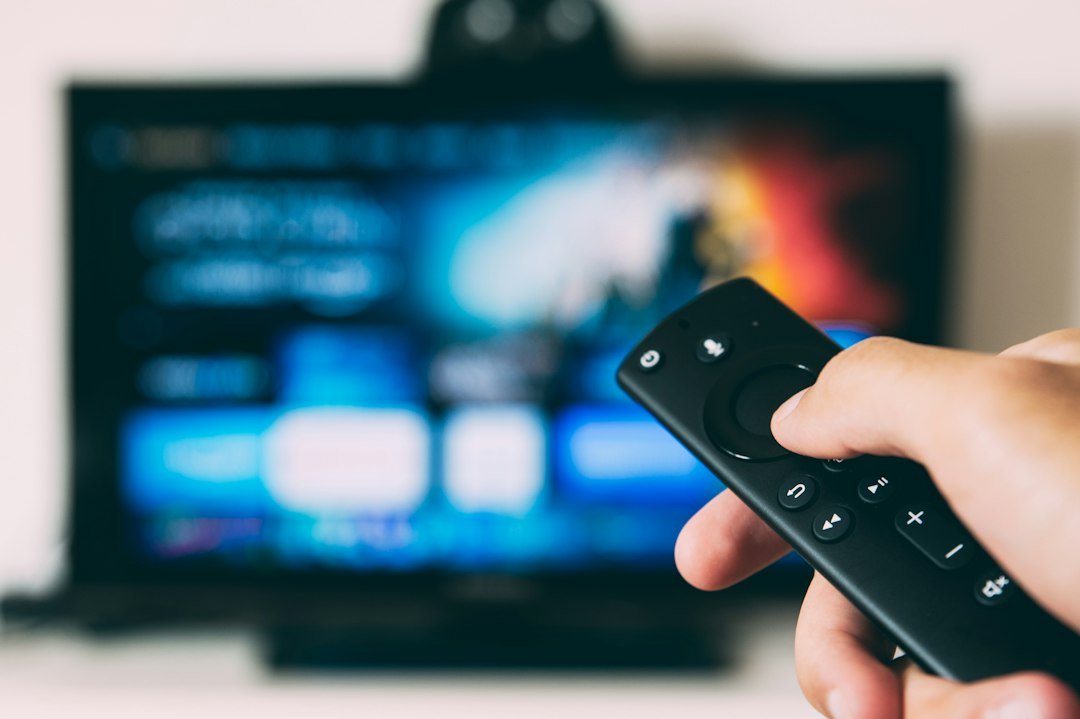
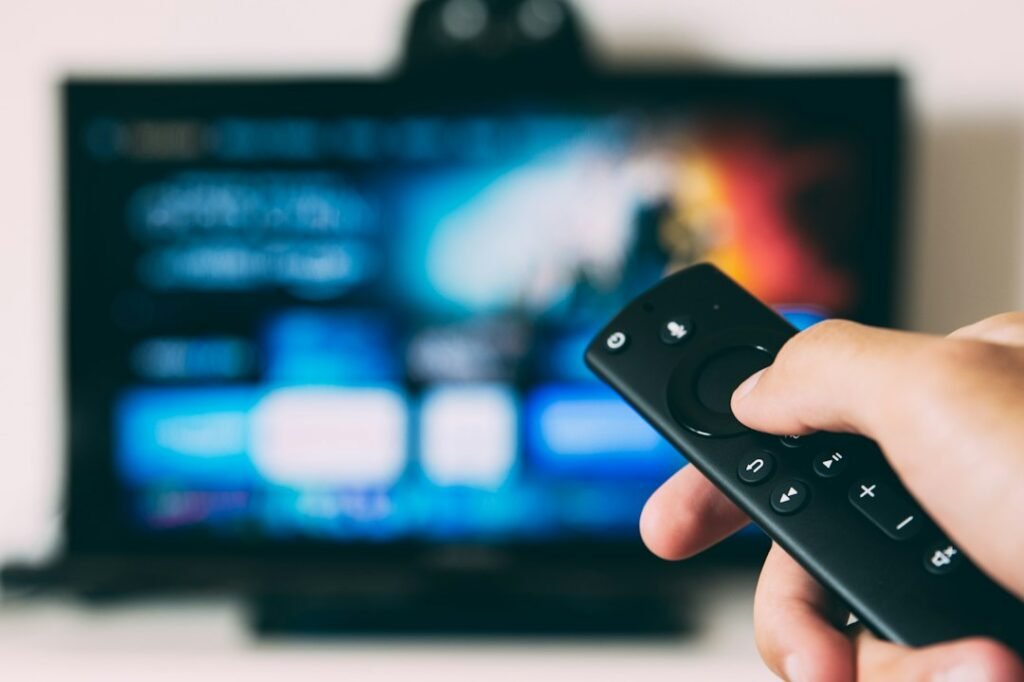
Internet Protocol Television simply translates traditional broadcast signals into digital data packets. Your standard TV channel usually travels via satellite dish or cable network directly into a set-top box. IPTV sends those exact same television signals through your home internet connection instead. Data arrives via copper telephone lines or fibre optic cables.
Many beginners assume this means watching television in a web browser on a laptop. That’s a common misconception. You view IPTV on your main living room television just like normal. The delivery route changes, but the physical viewing experience looks identical to standard TV.
Broadcasters split this technology into three main categories. First, you have live television streams happening in real time. Second, catch-up TV lets you replay broadcasts that aired hours or days earlier. Third, video on demand gives you access to stored movie libraries whenever you want them. Major UK providers like BT and TalkTalk actually use this exact delivery method to bring channels to your living room.
Myth: IPTV is Always Illegal
A persistent myth links this technology strictly to shady black-market streaming operations. People hear the acronym and instantly assume the worst. The truth is entirely different. IPTV is simply a transmission protocol. The BBC, ITV, and Sky all utilise internet protocol architecture to deliver their content to modern smart devices.
Legitimate applications sit inside official app stores on your phone or television. Problems only arise when unregulated third parties rebroadcast encrypted sports or premium movie channels without proper licensing. Ofcom monitors these unauthorized broadcasts closely across the UK. Sticking to official, verified apps keeps you on the right side of the law while enjoying modern television.
Clearing Up What Does IPTV Mean for Your Living Room
You don’t need a computer science degree to get set up. Most modern households already own compatible hardware without realizing it. A standard Samsung or LG Smart TV handles IPTV apps natively. You simply download the application from the built-in app store.
Other homes prefer dedicated streaming hardware plugged directly into an HDMI port. Small plug-in sticks or powerful media boxes process the incoming data streams smoothly. These devices often run faster than older built-in television software.
Hardware choice dictates your daily viewing comfort. A responsive remote control and a quick processor make changing channels feel seamless. Well, smooth at least. Slow hardware causes frustrating freezing during high-definition sports broadcasts.
Problem and Solution: Beating the Buffering Beast
Every internet television user faces the dread of the spinning loading wheel. You settle in for the evening news, and the picture suddenly freezes mid-sentence. Network congestion usually causes this frustration.
Wi-Fi interference ruins many UK streaming setups. Thick brick walls in older Victorian homes block wireless signals easily. Microwave ovens and Bluetooth speakers cause further disruptions.
The fix is surprisingly simple. Swap your wireless connection for a physical cable whenever possible. Running a sturdy Ethernet cable from your router straight to your streaming device eliminates wireless dropouts entirely. If cabling isn’t practical, choosing the right wired versus wireless network connections strategy based on your home layout makes a massive difference.
Myth: You Need Gigabit Fibre to Watch Internet TV
Internet service providers love marketing ultra-fast gigabit fibre packages. Advertisements suggest you cannot watch modern television without top-tier broadband speeds. This claim is mostly marketing hype.
Standard high-definition streaming requires surprisingly modest bandwidth. Most reliable UK broadband connections handle a single HD stream effortlessly. Even 4K streams demand much less bandwidth than aggressive ISP advertisements imply.
Stability matters far more than raw top-speed figures. A rock-solid connection running at thirty megabits per second beats a jittery hundred-megabit fibre line every single time. Packet loss ruins video feeds faster than low download speeds.
Problem and Solution: Managing Overwhelming Channel Guides
Traditional television gives you a tidy list of one hundred channels. Internet television services often unlock thousands of global channels overnight. Opening your guide reveals a chaotic wall of foreign networks and duplicate feeds.
Finding your favourite BBC or ITV channels becomes a chore. Scrolling through endless lists wastes precious evening relaxation time.
Take control of your viewing environment. Most good applications let you hide unwanted categories and build custom favourite lists. Spending ten minutes organizing your preferred channels transforms the entire user experience. You cut the clutter and jump straight to the content you actually watch.
Looking Forward
Traditional broadcasting methods face a slow decline across the UK. Terrestrial aerials and satellite dishes are gradually giving way to broadband delivery. Understanding the underlying technology helps you make smarter choices for your home entertainment setup. Keep your connection stable, choose legitimate apps, and enjoy the flexibility of modern television.
For more information, IPTV UK.
Learn more on Wikipedia: What Does it Mean to be White?.
Related reading
- Xtream Codes API vs Stalker Portals: Which Backend Powers Better UK IPTV Streaming?
- 7 Things to Know About IPTV Catch-Up and Timeshift Features in the UK
Update: How UK Catch Up Apps and Live Streaming Changed British Television
Pingback UK Catch Up Apps: How British TV Streaming Works
Pingback UK IPTV Bitrates: Stream Quality Guide