





- 1. Physical Obstacles and Thick UK Walls
- 2. Bandwidth Consistency and Data Drops
- 3. Minimising Latency During Live Broadcasts
- 4. Router Ports and Device Limitations
- 5. Choosing the Right Cables for ethernet vs wifi for iptv
- 6. Powerline Adapters as a Practical Compromise
- 7. Managing Network Congestion on Busy Evenings
Picture a crucial football match reaching the final ten minutes. The screen suddenly freezes on a crucial penalty shot. You groan. You check your router across the room. Many households across the UK face this exact frustration nightly because they rely on wireless setups instead of wired alternatives. When evaluating ethernet vs wifi for iptv, understanding your home network makes all the difference between smooth motion and constant pixelation.
1. Physical Obstacles and Thick UK Walls
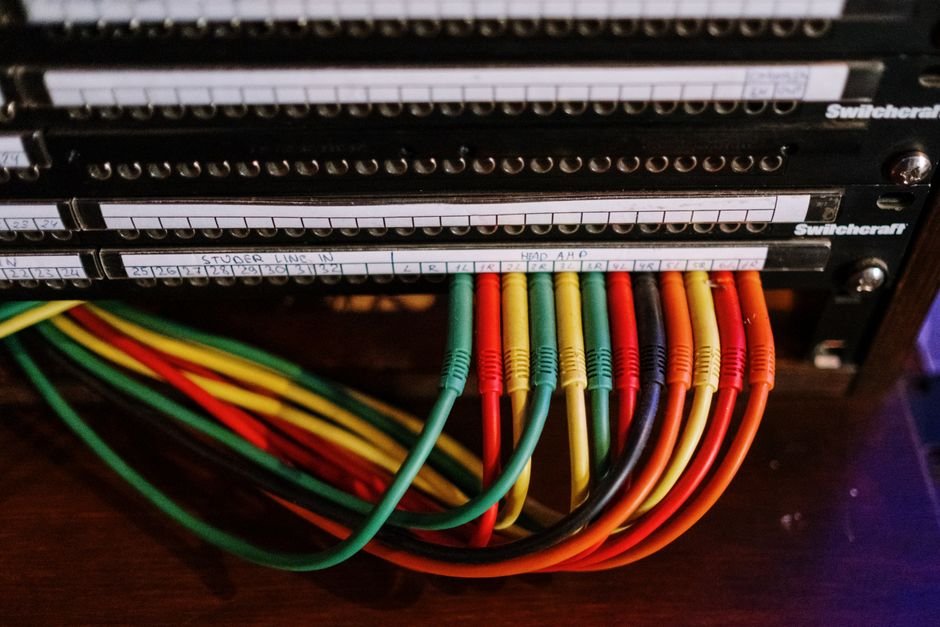
Older British properties present unique challenges for wireless signals. Solid brick internal walls, lath and plaster, and multiple floor levels block 5GHz and 2.4GHz bands rapidly. Wi-Fi signals weaken every time they pass through a dense barrier. Ethernet cables bypass physical obstructions entirely. Copper wires transport data packets directly from your router to your streaming box without losing strength halfway down the hallway.
Wireless mesh systems help patch dead zones. Yet, they still add hops and slight delays to data transmission. Direct copper links eliminate interference from neighbouring routers broadcasting on overlapping channels. If your living room sits on the opposite side of the house from your Openreach master socket, running a discreet cable along the skirting board saves you endless headaches.
2. Bandwidth Consistency and Data Drops
Wireless speeds fluctuate constantly. Microwave ovens, baby monitors, and thick electrical wiring degrade Wi-Fi performance without warning. Your internet service provider might deliver 150Mbps to your hub, but your television might only receive a fraction of that throughput through the air. Choosing ethernet vs wifi for iptv guarantees stable throughput.
High-definition and 4K streams demand reliable peak rates. Wireless drops cause sudden quality downgrades or outright connection losses. A wired link delivers consistent gigabit speeds depending on your hardware limits. You avoid the sudden bandwidth dips that ruin live broadcasts.
3. Minimising Latency During Live Broadcasts
Latency matters immensely for real-time viewing. High ping times cause noticeable delays between the live event and your screen. Wi-Fi naturally introduces higher packet latency due to air transmission protocols and error-checking retransmissions. Ethernet connections maintain exceptionally low ping rates.
Lower latency keeps your stream synced with standard broadcast timings. It also reduces stutter when your streaming app loads heavy electronic programme guides or pulls live metadata. If you want responsive channel switching, wired setups perform better every time.
4. Router Ports and Device Limitations
Most modern broadband routers feature four gigabit ethernet ports on the back. Smart TVs, Apple TVs, and dedicated Android boxes usually include built-in ethernet ports alongside their Wi-Fi chips. Yet, some budget streaming sticks lack physical network ports entirely. You need a USB ethernet adapter to bridge that gap.
Connecting multiple wired devices fills up router ports quickly. Network switches solve this easily. Adding a cheap five-port unmanaged switch expands your wired capacity instantly. You plug the switch into your main router, then plug your various media boxes into the switch.
5. Choosing the Right Cables for ethernet vs wifi for iptv
Not all network cables perform equally. Cat5e cables handle speeds up to 1Gbps easily over standard home distances. Cat6 cables support higher frequencies and reduce crosstalk further. Avoid ancient Cat5 cables found in old desk drawers since they max out at lower speeds.
Cable length rarely degrades performance in domestic environments. Copper patch leads up to 100 metres maintain full gigabit speeds. Buy stranded patch cables for flexibility around tight corners behind your television unit. Solid core cables suit permanent wall installations better.
6. Powerline Adapters as a Practical Compromise
Drilling holes through walls or running long cables across doorways looks messy. Powerline adapters offer a clever alternative. These plugs use your home’s existing electrical ring main to transmit network data between rooms. You plug one unit near your router, connect it with a short patch lead, and plug the second unit near your television.
Performance depends heavily on your home’s electrical wiring age and fuse box setup. Modern circuits on a single phase deliver excellent speeds close to direct ethernet performance. Older wiring with multiple circuit breakers might introduce noise or lower transfer rates. Still, they usually outperform a weak Wi-Fi signal suffering from heavy wall attenuation.
7. Managing Network Congestion on Busy Evenings
Evening peak hours strain local networks. Everyone streams shows simultaneously. Wireless routers struggle to manage dozens of connected phones, tablets, smart bulbs, and streaming boxes at once. Airtime fairness protocols try to balance wireless clients, but speeds still drop.
Hardwiring your main entertainment hub removes heavy data traffic from the airwaves. This leaves more wireless capacity free for portable gadgets. If you run into persistent stuttering during peak times, checking your wider setup using an iptv troubleshooting uk guide helps isolate whether the bottleneck sits on your local network or further upstream.
For more information, IPTV UK.
Related reading
Update: IPTV Buffering Fixes UK: Real Solutions for Slow Streams
Update: Smart TV Apps vs Dedicated Streaming Boxes: Which Wins for IPTV?
Explore Our Flexible IPTV Plans and Start Streaming Today
Main events, undercards and title fights streamed in 4K. No pay-per-view charges, no contract, instant activation on any device.
Pingback IPTV Recording UK: How to Schedule Catch-Up & Storage
Pingback IPTV Buffering Fixes UK: Stop Lagging Streams