

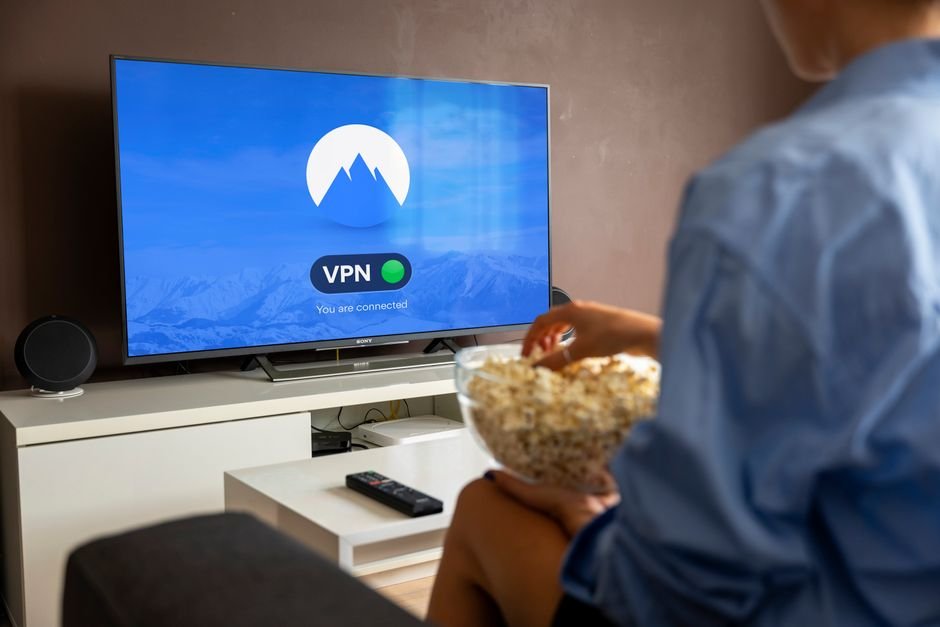




Saturday afternoon arrives. You sit down on the sofa, grab your remote, and wait for the football kick-off or your favourite weekend film. Your choice of streaming hardware dictates how fast that stream loads and how stable it stays over ninety minutes. A proper hardware comparison between a dedicated Linux receiver and an open Android media player reveals major differences in daily use. Choosing a reliable streaming setup prevents endless buffering screens and frustrating remote lags.
The Core Philosophy: MAG Portal vs Open Android Ecosystem
Infomir builds MAG devices around a closed Linux operating system. They boot straight into a portal interface supplied by your service provider. You input a MAC address and a server URL. The menu system loads instantly. There are no app stores to browse or software updates to ignore. Everything focuses entirely on live television and catch-up schedules.
Android boxes operate on a completely different premise. They function like miniature smartphones plugged into your television. You boot up to a home screen filled with tiles, app icons, and recommendation rows. Google Play services run in the background. You install third-party media players instead of relying on a locked portal. This modular design appeals to users who want flexibility.
MAG Box vs Android Box: App Support and Customisation
App availability splits these two hardware categories down the middle. MAG units run proprietary software. You cannot download Netflix, BBC iPlayer, or modern electronic programme guide apps from an app store. If you want a secondary streaming app, you generally need another device.
Android hardware dominates this category. You can install TiviMate, IPTV Smarters Pro, or XCIPTV directly from official stores or via sideloading. Many households use an Android streaming device because it handles multiple apps under one roof. You switch from live television to catch-up platforms without changing inputs or grabbing a different remote.
Hardware Performance, Remote Controls, and Stability
Linux code runs efficiently on modest hardware. MAG boxes do not need massive gigabytes of RAM to deliver a smooth picture. They use custom silicon optimised strictly for video decoding. Channels change rapidly. The included infrared remotes feature dedicated coloured buttons that correspond directly to standard broadcast teletext and portal shortcuts.
Android boxes demand heavier hardware specifications. Cheap budget Android sticks often struggle with high-bitrate streams because their processors thermal throttle. Premium Android players like the Nvidia Shield Pro or Google TV devices handle heavy codecs effortlessly. However, they rely on Bluetooth remotes that occasionally lose pairing or drain batteries faster than traditional infrared units.
Network Handling and Ethernet Performance
Network stability dictates your viewing quality. MAG receivers include robust physical ethernet ports on almost every model, even budget versions. Their network stacks handle packet jitter effectively. Wi-Fi performance on older MAG units can lag behind modern standards, but wired connections remain the gold standard for television viewing anyway.
Android hardware varies wildly in network capability. Cheap imported boxes often feature low-quality Wi-Fi chips that drop connections when your microwave runs. High-end Android boxes match or exceed Linux receivers with Wi-Fi 6 compatibility and gigabit ethernet ports. If you rely on wireless streaming in a busy household, hardware tier matters immensely.
Upfront Cost and Long-Term Value
Price points vary across both markets. Basic MAG models occupy a reliable mid-tier price bracket. They last for years because their software never updates into obsolescence. You buy a box, link your portal, and it runs the same way for a decade.
Android devices span a massive pricing spectrum. You can buy a cheap stick for twenty pounds or a premium box costing well over one hundred. Cheap Android hardware often stops receiving security updates after eighteen months. Apps change their API requirements, rendering budget boxes sluggish or incompatible over time.
Making Your Choice: Which Device Suits Your Living Room?
Your technical patience determines the winner of this hardware showdown. If you want zero fuss, fast channel changes, and a dedicated remote that elderly family members can master in two minutes, buy a MAG box. It stays out of your way and just works.
If you prefer custom electronic programme guides, multiple streaming apps, and a modern graphical interface, an Android box wins easily. Just avoid the cheapest unbranded imports on online marketplaces. Spend a bit more on certified hardware to ensure your evening viewing remains interruption-free.
For more information, IPTV UK.
Related reading
- Hardware Player vs Software App: Best Setup for IPTV UK Subscribers
- How to Clean IPTV Cache and Temporary Files for Faster Streaming
Update: Fire TV Stick 4K vs Apple TV 4K for UK IPTV Streaming
Update: 6 Things You Need to Know About IPTV EPG UK Setup and Maintenance
Explore Our Flexible IPTV Plans and Start Streaming Today
Main events, undercards and title fights streamed in 4K. No pay-per-view charges, no contract, instant activation on any device.
Pingback Fire TV Stick 4K vs Apple TV 4K for IPTV UK
Pingback Clean IPTV Cache UK: Speed Up Your Streaming