





Getting Started with Multi-Screen Viewing
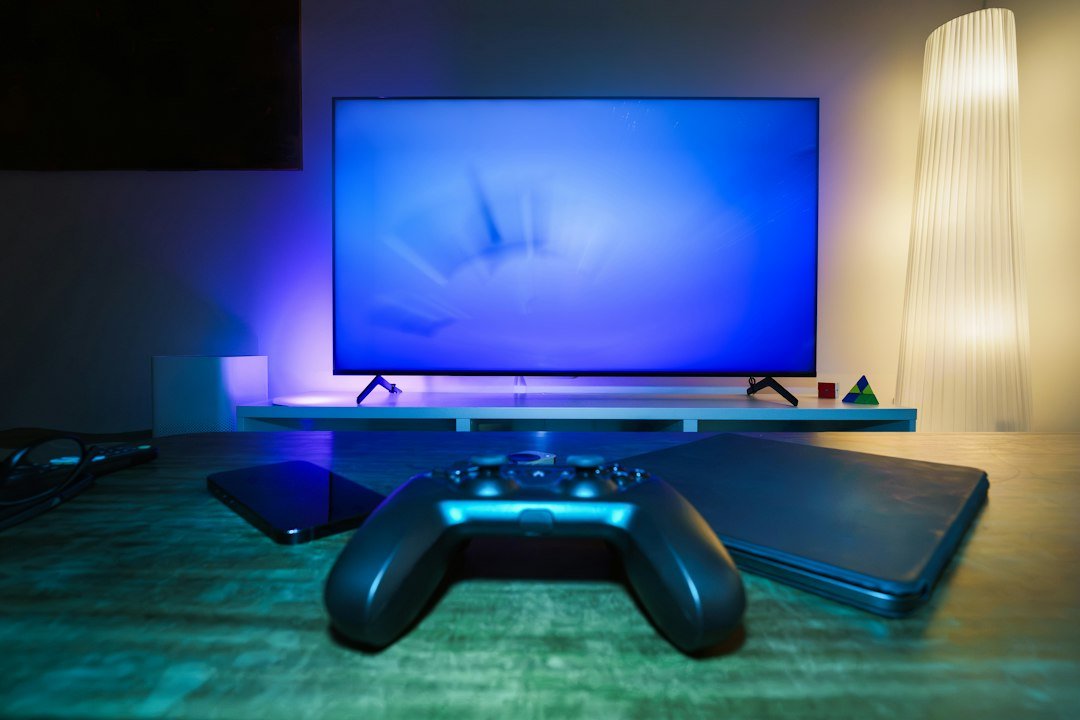
Television used to mean sitting on the sofa in front of one heavy box in the corner of the room. Today looks completely different. Most homes in the UK juggle multiple screens daily. You might start watching the morning news on your phone while the kettle boils, switch to a tablet at the kitchen counter, and finish the evening on the main living room display.
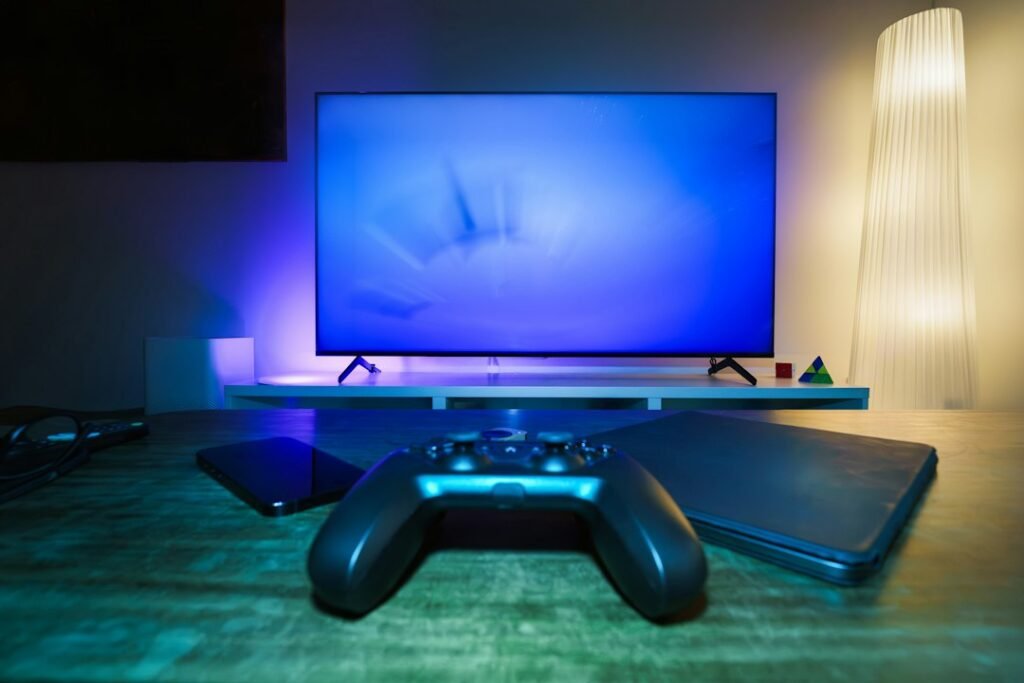
Because viewing habits have shifted, UK IPTV beginner guide resources often emphasize the flexibility of modern streaming setups. You aren’t tied to a single cable socket or satellite dish anymore. Instead, your internet connection delivers television signals directly to whatever hardware sits in front of you. But every gadget handles data differently. A cheap phone processor won’t run a heavy media app the same way a dedicated streaming box does. Understanding these hardware differences saves you from endless buffering and frozen screens.
The Living Room Mainstay: Smart TVs
Most modern living rooms feature a connected television. Brands like Samsung and LG dominate UK households, each using distinct operating systems. Samsung relies on Tizen, while LG uses webOS. Sony and Philips typically run Google TV.
Finding compatible software for your specific TV model matters immensely. If you own an LG set, you head to the LG Content Store to browse available media players. Samsung users check the Smart Hub. These native applications let you stream without cluttering your entertainment center with extra wires or remote controls.
Yet, native television software often has hidden drawbacks. Manufacturers frequently update their operating systems, and older models stop receiving software patches after a few years. When that happens, built-in apps start lagging or crashing. Processing chips inside televisions are also notoriously basic. They handle everyday streaming apps fine, but demanding video formats can overwhelm them quickly.
Streaming Sticks and Dedicated Media Players
If your television’s native interface feels sluggish, a dedicated media player changes everything. These small gadgets plug directly into an HDMI port on the back of your display. They run their own operating systems and draw power either from a wall socket or a USB port.
Amazon Fire TV devices and Android TV boxes are extremely popular across the UK. They offer dedicated app stores packed with versatile media players. Because these gadgets focus entirely on media streaming, their internal processors usually outperform the chips built into budget television sets. Navigation feels snappier. Menus load faster. You also get regular software updates that keep security tight and playback stable.
Setting one up takes minutes. You plug the stick in, connect to your home Wi-Fi network, and log into your account. The remote controls included with these sticks often feature voice search, which makes finding specific channels much faster than typing with an onscreen keyboard.
Computers and Laptops for Desktop Viewing
Not everyone watches television from a sofa. Laptops and desktop computers serve as secondary viewing stations in many bedrooms and home offices. Streaming via a computer relies heavily on web browsers or dedicated desktop applications like VLC Media Player.
Watching on a PC offers unique advantages. Keyboards make navigation simple. If you need to manage playlist files, organize channel lists, or test stream links, doing it on a computer screen is vastly easier than using a TV remote. Web-based players load quickly without requiring heavy installations.
However, browser performance varies. Chrome, Firefox, and Safari handle video decoding differently. If your browser lacks proper hardware acceleration, your laptop fan might start spinning loudly as it struggles to decode high-definition video feeds. Keeping your browser updated helps prevent these performance bottlenecks.
Mobile Screens: Phones and Tablets
Smartphones and tablets turn any room into a private viewing booth. Whether you commute on a crowded train or relax in bed, mobile devices keep you connected to your favorite broadcasts.
Both iOS and Android ecosystems feature robust media players designed for touchscreens. Pinch-to-zoom gestures, screen rotation locks, and Bluetooth headphone pairing make mobile viewing straightforward. You can easily connect wireless earbuds to block out background noise on public transport.
The main challenge with mobile viewing is network stability. Moving around means your device constantly switches between different cell towers or Wi-Fi hotspots. These handoffs can cause momentary drops in your video stream. Downloading content locally isn’t typically how live streaming works, so a stable 4G or 5G connection is essential when you step away from your home router.
Hardware Limitations and Processing Power
Every piece of hardware has limits. When looking at UK IPTV devices, buyers often ignore internal specifications like RAM and storage space. That mistake leads to frustration later.
Cheap streaming hardware often ships with just one gigabyte of RAM. Modern media apps demand more breathing room. When memory runs low, devices force-close apps or reboot unexpectedly. Storage matters too. Caching television guides and temporary stream data requires free space. If your device storage sits at ninety-nine percent capacity, performance drops sharply.
Wi-Fi chips also vary wildly. Older hardware only supports the 2.4GHz Wi-Fi band, which gets crowded easily by neighboring routers. Dual-band hardware supporting 5GHz provides a much cleaner wireless path for high-bandwidth video streams. If your router sits far away from your television, Ethernet cables always beat wireless connections for raw stability.
Choosing the Right Screen for Your Home
Matching your viewing habits to the right hardware makes all the difference. Casual viewers might be completely happy using a Smart TV’s built-in software. Power users who demand quick channel switching and flawless high-definition playback will always benefit from a dedicated streaming stick or set-top box.
Evaluate what you already own before spending money on new gadgets. Most households have a spare tablet or laptop lying around that handles basic streaming effortlessly. Upgrade your hardware incrementally, starting with the screen you use the most. By prioritizing stable internet connections and capable processors, you ensure your television viewing stays smooth across every room in your house.
For more information, IPTV UK.
Related reading
- IPTV Resolution Settings: Matching Stream Quality to Your UK Display
- Smart TV vs Streaming Stick: Which UK Device Wins for IPTV?
Update: 5 Ways to Adjust IPTV Audio Settings for Better UK TV Viewing
Update: UK IPTV Device Compatibility: Getting Your Hardware Right
Update: Managing Your IPTV EPG (Electronic Programme Guide) in the UK
Update: Choosing and Setting Up IPTV UK Devices for Your Home
Update: How to Clear IPTV App Cache for Smoother UK Streaming
Explore Our Flexible IPTV Plans and Start Streaming Today
Main events, undercards and title fights streamed in 4K. No pay-per-view charges, no contract, instant activation on any device.
Leave a Reply