





- Which IPTV UK devices actually deliver the best performance?
- Are Smart TVs enough, or do I need a dedicated streaming box?
- How does hardware affect your streaming speed and buffering?
- Can you run IPTV on phones and laptops just as well?
- What should you check before buying new hardware for your IPTV UK devices setup?
Which IPTV UK devices actually deliver the best performance?
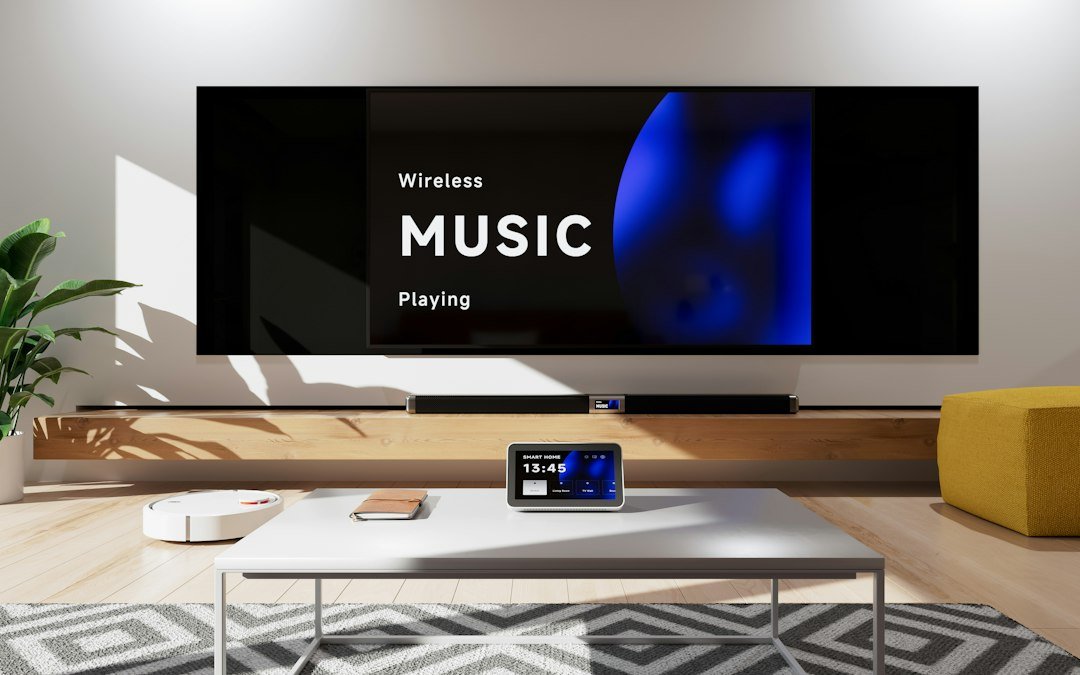
Picking the right hardware changes everything about how your streams look and feel. When you start setting up IPTV UK devices around your home, you quickly notice that not all screens and boxes handle video feeds the same way. A cheap stick might lag, while a dedicated media player flies through channel guides without a hitch. You need something reliable that boots up fast and keeps up with high-bitrate video.
Most households already own a few screens that can handle internet broadcasts. But owning a compatible screen and getting a smooth picture are two different things. Some processors struggle with heavy channel lists or electronic program guides. Others handle 4K feeds with zero effort. Let’s look at what works best in real living rooms across the country.
Are Smart TVs enough, or do I need a dedicated streaming box?
Smart TVs look convenient because you don’t need extra wires or a second remote cluttering the coffee table. You just download an app straight to the screen and press play. Yet, built-in television operating systems often run on weak hardware. Manufacturers tend to cut costs on internal memory and processors inside the actual display panel.
If you use a Samsung or LG set, you might find the app store selection quite limited compared to Android-based systems. You might struggle to install your preferred player app. Furthermore, television software updates stop after a few years. Dedicated media players like the Amazon Fire Stick or Google TV devices receive updates much longer. They also pack punchier chips that load heavy channel menus in seconds rather than minutes.
How does hardware affect your streaming speed and buffering?
People often blame their broadband provider when a stream freezes up. Sometimes the internet speed is fine, but the hardware simply chokes on the data stream. Older Wi-Fi chips inside budget boxes drop packets constantly. If your device only supports older wireless standards, heavy video feeds will stutter.
You can check our guide on why IPTV keeps freezing and how to fix buffering issues to rule out software snags. Still, upgrading an outdated streaming box often solves persistent lag overnight. Ethernet ports make a massive difference too. Plugging a cable straight into your media player cuts out wireless interference completely.
Can you run IPTV on phones and laptops just as well?
Watching on smaller screens or portable computers works brilliantly when you move around the house. Laptops give you full desktop software options. You can easily install dedicated player clients on Windows or macOS. If you want a quick installation routine, look at how to install and set up IPTV on Windows and Mac for a hassle-free viewing experience on your computer.
Mobile phones and tablets offer great touch controls and instant access on the move. Battery drain can be quite high during long viewing sessions, though. Processing high-definition video pushes mobile chips hard. Keep your charger nearby if you plan to watch a full match or a long film on a tablet.
What should you check before buying new hardware for your IPTV UK devices setup?
Don’t just grab the cheapest box you spot online. Check the RAM and storage specifications first. Anything with less than 2GB of RAM will struggle with modern app interfaces and large electronic program guides. Look for dual-band Wi-Fi support as well. 5GHz networks handle heavy data streams much better than crowded 2.4GHz bands.
Operating system choice matters just as much as raw specs. Android TV and Google TV platforms give you the widest freedom to sideload or download trusted player apps. Proprietary systems often lock you into rigid app ecosystems. Spend a few extra pounds on a proven media player. Your patience will thank you when channel switching feels instant and smooth.
For more information, IPTV UK.
Pingback IPTV UK Guide: Beginner's Explainer for Internet TV
Pingback Setting Up IPTV UK Devices: A Step-by-Step Guide
Pingback Broadband Speed Test for UK IPTV: Step-by-Step Guide