





UK IPTV Device Compatibility: Getting Your Hardware Right
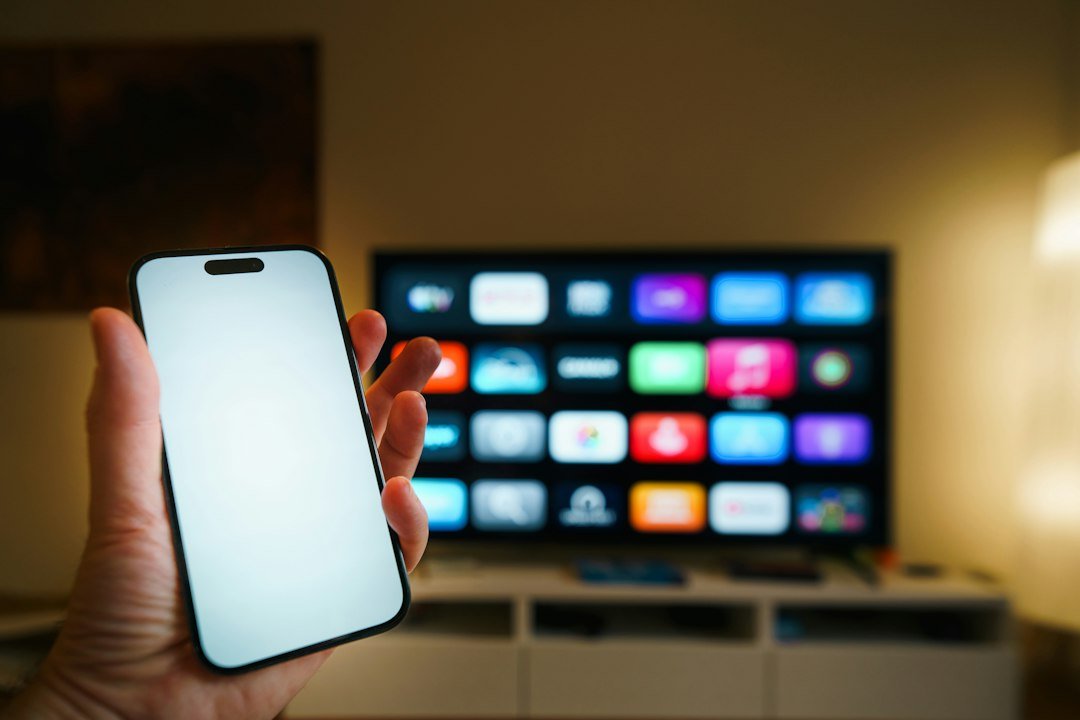
Finding the right hardware for streaming television can turn into a headache fast. UK IPTV device compatibility dictates whether your setup streams smoothly or stutters constantly. You might have bought a brand new smart TV only to find your favorite app refuses to install. Let’s break down what works, what doesn’t, and how to match your gear to your viewing habits.
Smart TVs vs. Dedicated Streaming Sticks
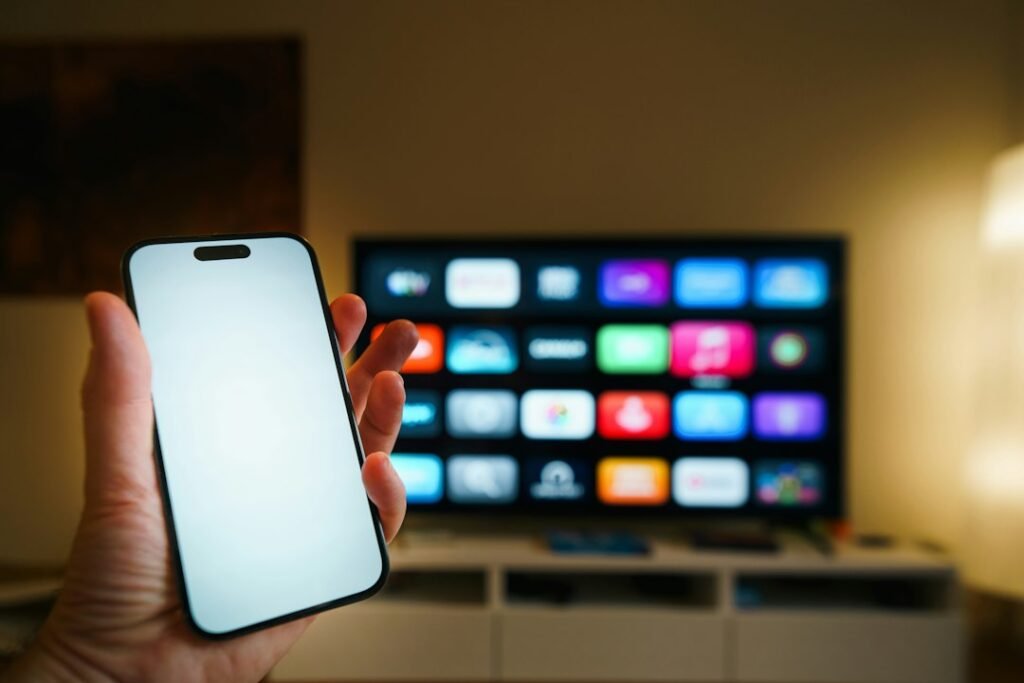
Your living room television probably came with smart features built right in. Samsung uses Tizen, LG runs webOS, and many others rely on Google TV. While built-in apps keep your coffee table free of extra clutter, they often lack the processing punch of external boxes. Manufacturers ditch older smart models after a few years. Updates stop coming.
Plug-in sticks from Amazon, Roku, or Google offer a longer lifespan. They get software patches much quicker. If your built-in TV software starts lagging, a thirty-pound streaming stick brings it back to life. It gives you a snappier interface and better app support.
Android TV and Fire TV Devices
Android-powered boxes and Amazon Fire sticks rule the streaming market across Britain. Their open nature lets you sideload specialized media players with ease. You aren’t trapped inside a locked app store ecosystem.
Make sure you buy a model with at least two gigabytes of RAM. Cheap, off-brand boxes with weak processors will choke on high-definition feeds. Stick to recognized hardware brands to avoid constant crashes.
Mobile Phones and Tablets
Watching on the move is completely normal now. Android phones and Apple iPads handle streams easily over home Wi-Fi or 5G mobile data. The screen size is small, but modern OLED panels make colors pop. Just watch your data caps if you’re away from a wireless router. A long commute eats through gigabytes quickly.
Laptops and Desktop Computers
Browsers like Chrome and Firefox run web-based players without any fuss. Laptops double up as great secondary screens in a kitchen or home office. You can plug an HDMI cable straight from your laptop into a monitor or second TV. It’s a handy fix if your main living room setup is busy.
Checking Specifications Before You Buy
Don’t guess when buying new tech. Look at the processor speed, available memory, and supported video codecs. H.265 decoding support matters if you watch a lot of high-resolution content. Older hardware will struggle to decode modern streams without dropping frames.
Avoiding Common Setup Pitfalls
Wi-Fi congestion ruins more viewing sessions than bad hardware ever will. Put your streaming box on the 5GHz frequency band if your router supports it. Better yet, run an Ethernet cable straight into the back of the device. Hardwired connections drop zero packets.
If you’re planning a multi-screen household, read our guide on securing your IPTV network and data to keep your local traffic safe from snoops. Network security matters just as much as raw speed.
Choosing Your Setup
Your ideal setup depends entirely on where you watch most often. Keep your firmware updated and clear out cached data every few months. Good maintenance keeps everything running fast for years.
For more information, IPTV UK.
Related reading
Update: How to Back Up and Restore Your IPTV Playlist on UK Devices
/* Main CTA Box */ .siptv-cta-pro { max-width: 680px; margin: 20px auto; padding: 32px 20px; box-sizing: border-box; background: linear-gradient(135deg, #111827, #20203d); border-radius: 18px; color: #fff; text-align: center; font-family: Arial, sans-serif; box-shadow: 0 15px 35px rgba(0,0,0,0.20); }/* Badge */ .siptv-cta-badge { display: inline-block; background: #292052; color: #b9b4ff; padding: 10px 20px; border-radius: 30px; font-size: 14px; font-weight: 600; margin-bottom: 16px; }/* Heading */ .siptv-cta-pro h3 { margin: 0 0 12px; font-size: 23px; line-height: 1.3; color: #ffffff; }/* Description */ .siptv-cta-pro p { max-width: 570px; margin: 0 auto; font-size: 15px; line-height: 1.8; color: #cbd5e1; }/* Stats */ .siptv-cta-stats { display: flex; justify-content: center; gap: 55px; margin: 28px 0; padding-bottom: 28px; border-bottom: 1px solid rgba(255,255,255,0.12); }.siptv-cta-stat { display: flex; flex-direction: column; gap: 8px; }.siptv-cta-stat strong { font-size: 22px; color: #7285ff; }.siptv-cta-stat span { font-size: 13px; color: #94a3b8; }/* Buttons */ .siptv-cta-buttons { display: flex; flex-direction: column; gap: 14px; }/* Common Button */ .siptv-btn { width: 100%; min-height: 54px; display: flex; align-items: center; justify-content: center; gap: 10px; box-sizing: border-box; border-radius: 12px; text-decoration: none !important; color: #fff !important; font-size: 15px; font-weight: 700; transition: 0.25s ease; }.siptv-btn svg { width: 21px; height: 21px; }/* Pricing Button */ .siptv-btn-primary { background: linear-gradient(90deg, #1769ff, #783cff); }.siptv-btn-primary:hover { transform: translateY(-2px); box-shadow: 0 8px 20px rgba(73,70,255,0.35); }/* WhatsApp Button */ .siptv-btn-whatsapp { background: #20d366; }.siptv-btn-whatsapp:hover { background: #19bd59; transform: translateY(-2px); }/* Mobile */ @media (max-width: 600px) {.siptv-cta-pro { padding: 26px 15px; border-radius: 15px; }.siptv-cta-pro h3 { font-size: 20px; }.siptv-cta-pro p { font-size: 14px; }.siptv-cta-stats { gap: 22px; }.siptv-cta-stat strong { font-size: 19px; }.siptv-cta-stat span { font-size: 11px; } }Explore Our Flexible IPTV Plans and Start Streaming Today
Main events, undercards and title fights streamed in 4K. No pay-per-view charges, no contract, instant activation on any device.
Update: A Complete Guide to Using UK IPTV Devices Across Your Home
Pingback IPTV Playlist Backup: How to Save and Restore Your Channels
Pingback UK IPTV Setup Mistakes: What Not to Do
Pingback UK IPTV Devices: A Complete Guide for Every Screen