

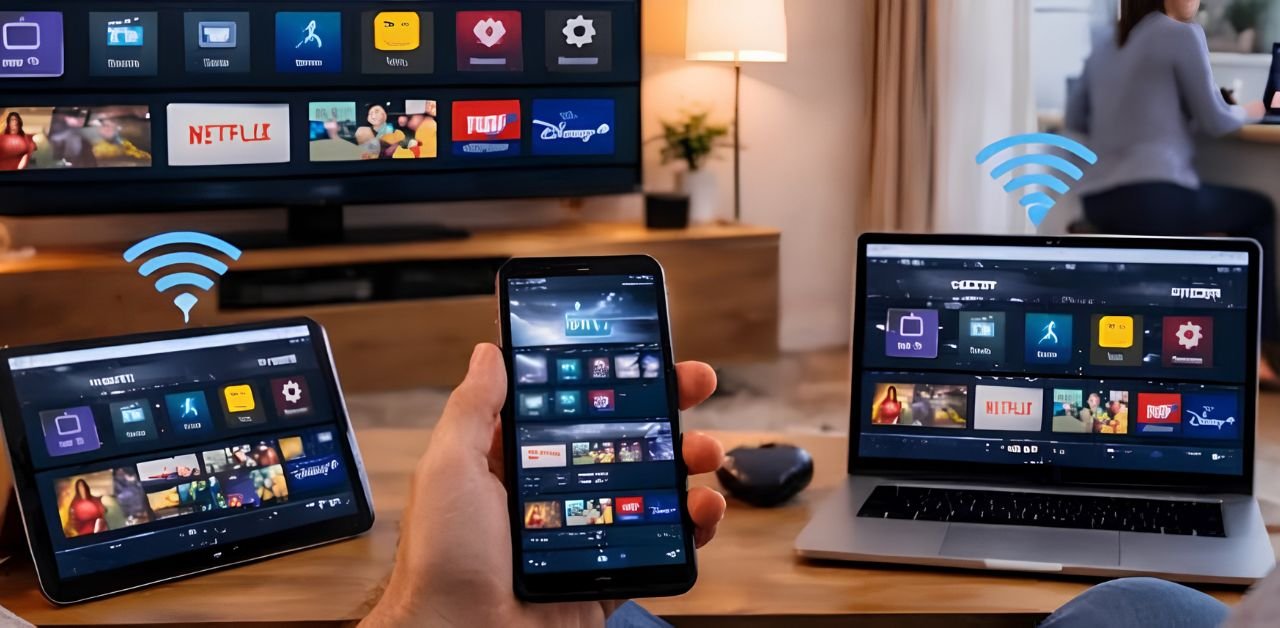




The IPTV UK connection limit is the reason behind one of the most confusing errors people run into: everything works perfectly on the living room television, then someone tries to watch on a tablet upstairs and gets “max connections reached” or simply a stream that refuses to start. Nothing is broken. The subscription is working exactly as designed. This guide explains what a connection limit actually is, why providers apply one, how to tell how many you have, what to do when you hit it, and when upgrading is genuinely the right answer rather than a workaround.
What an IPTV Connection Limit Actually Means
A connection is one active stream playing at one moment. Your IPTV connection limit is simply the number of those the server will allow from your account at the same time. This has nothing to do with how many devices you have set up. You can install a player on six devices, sign in on all of them, and everything is fine — because installation is not connection. The limit only applies to how many are actively playing at once. The technical principle is straightforward: this is a form of concurrent usage control, the same idea any service uses to allocate finite server capacity fairly between subscribers. Every active stream consumes bandwidth and server resources, so providers cap how much any one account can take.
Why Providers Apply an IPTV Connection Limit
It is worth understanding because it explains why the answer is rarely “the IPTV Provider UK is being difficult”. Each concurrent stream costs real bandwidth. A provider allowing unlimited connections per account would find a handful of subscribers consuming the capacity of hundreds, and the service would degrade for everyone during peak hours. The limit is what keeps streams stable on a Saturday evening. It also prevents account sharing at scale. Without a cap, one subscription could be distributed across dozens of households, which changes the economics of running the service entirely and eventually means nobody gets a working stream.
How to Tell What Your IPTV Connection Limit Is
Your plan documentation is the definitive answer, but there are quicker ways to check. Most player apps show account information somewhere in the settings or account section, including active connections and the maximum allowed. Your original confirmation email will state it. And practically, if two devices play simultaneously but a third fails, your limit is two. Our pricing page lists connections per plan openly rather than hiding the number at checkout, which is worth checking against whatever you are currently on.
What Happens When You Hit the IPTV Connection Limit
The behaviour varies by provider and by player, which is part of why the error confuses people.
| “Max connections reached” message | The clearest case — limit hit exactly |
| Stream will not start on one device | Same cause, less helpful wording |
| Another device suddenly stops | Some servers drop the oldest connection |
| Login rejected on a new device | Occasionally presented as a credentials error |
| Works in the morning, fails at night | Household usage overlapping at peak times |
That last one catches people out most. If it works when you are alone in the house and fails in the evening, the IPTV connection limit is almost certainly the explanation rather than any technical fault.
The Ghost IPTV Connection Problem
Here is the part that genuinely surprises people: you can hit your limit even when nobody else is watching. When a player app is closed improperly — the app is backgrounded rather than closed, the device is unplugged mid-stream, the app crashes — the server may not register that the connection ended. It sits there counted as active for a period, occupying a slot nobody is using.
The fix: fully close every player app on every device, wait five to ten minutes for the server to time out the stale sessions, then try again. This resolves a large share of connection limit complaints, and it costs nothing to try before assuming you need a bigger plan. To prevent it from recurring, close player apps properly rather than just switching away from them, and avoid pulling the power on a streaming stick mid-playback.
What IPTV Connection Limit Does a Household Need?
Worth thinking about honestly rather than defaulting to the maximum. One person living alone genuinely needs one, occasionally two if you like a second screen running alongside the main one. A couple usually needs two — the scenario where one watches sport while the other watches something else is common enough to plan for. A family typically needs three or four: the main television, a child’s tablet, and someone watching in a bedroom. Our multiscreen guide covers how simultaneous viewing works in practice. A large household should count the screens likely to be active on a busy Sunday and add one for margin.
Working Around an IPTV Connection Limit
If you cannot upgrade immediately, a few practical approaches help.
- Close apps properly when finished to avoid ghost connections consuming slots
- Coordinate viewing during peak evening hours if the household is larger than the plan.
- Use catch-up instead of live for the second viewer where the content allows it.
- Restart the streaming device if it has been left running for days, which sometimes releases a stale session.
If streams fail even when you are certain nothing else is playing, the cause may be something other than the IPTV connection limit — our troubleshooting guide covers the wider checks.
When to Upgrade Instead
There is a point where working around the limit costs more in frustration than upgrading costs in money. If you are regularly coordinating who gets to watch, if someone in the household is repeatedly told to wait, or if the error appears more than occasionally, the plan is simply too small for the house. A plan with more connections removes the problem permanently rather than managing it every evening. Every IPTV UK plan states its connection count clearly, so you can match it to the number of screens likely to run at once rather than guessing. The same applies when comparing providers — any reputable IPTV United Kingdom service should state connections per plan up front rather than leaving you to discover the limit after paying.
Frequently Asked Questions
What does “max connections reached” mean?
Your account already has the maximum number of streams playing at once. It is a plan limit, not a fault.
Does having an app installed use a connection?
No. Only active playback counts. You can install on as many devices as you like.
Why does it happen when nobody else is watching?
Ghost connections. Close every app fully, wait ten minutes for sessions to time out, then retry.
Can I share my subscription with family elsewhere?
Only within your connection limit, and only if your provider’s terms permit it. Beyond that, streams will be refused.
What IPTV connection limit do I need?
Count the screens likely to be watching at once on a busy evening, then add one for margin.
Does the IPTV connection limit affect quality?
Not directly, though several 4K streams at once will strain your broadband regardless of the account limit.
Conclusion
An IPTV connection limit is a normal part of how streaming subscriptions work, not a defect. When you hit it, close every app fully and wait ten minutes before assuming you need more — ghost connections cause a surprising share of the complaints. If it keeps happening with genuine simultaneous viewing, the plan is too small for the household, and upgrading is the honest answer.
Explore Our Flexible IPTV Plans and Start Streaming Today
Main events, undercards and title fights streamed in 4K. No pay-per-view charges, no contract, instant activation on any device.
Leave a Reply