





- Choosing Your Viewing Route
- Performance and Speed
- App Availability and Compatibility
- Network Stability and Connection Quality
- Clutter and Convenience
- The Verdict for UK Viewers
- Frequently Asked Questions
- Do I need a 4K streaming stick for live television?
- Can I use my standard TV remote with a streaming stick?
- Why do native TV apps buffer more often?
Choosing Your Viewing Route
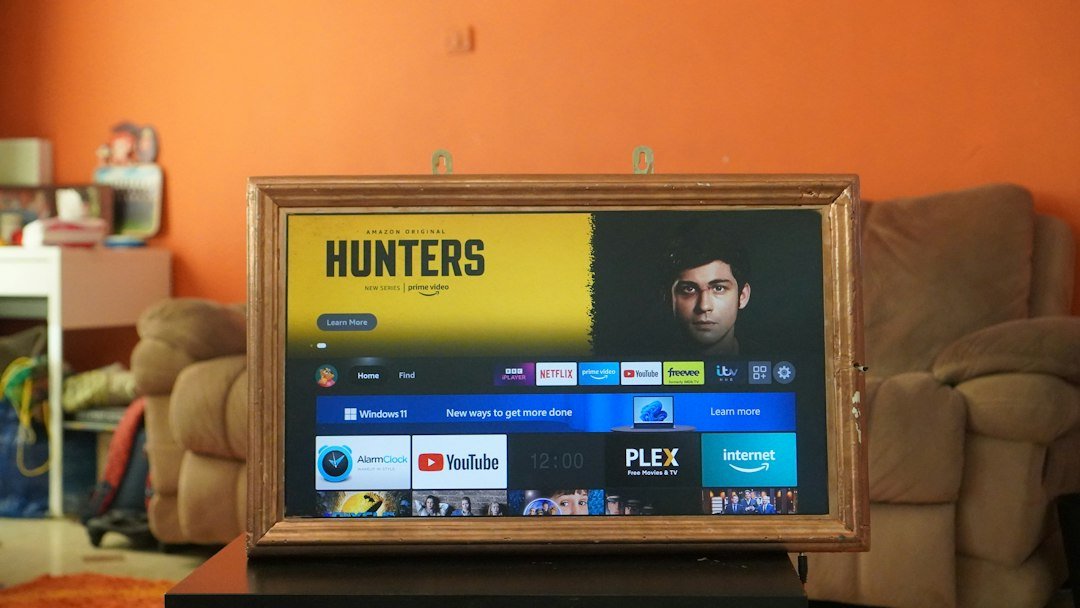
Getting your UK IPTV subscription running on a living room screen usually comes down to two main paths. You can plug a dedicated streaming stick into an HDMI port, or you can download a media player straight onto your television’s built-in operating system. Both methods connect you to live channels and catch-up options over your broadband router. But they handle daily streaming in very different ways.
Many viewers grab whatever option looks easiest at first glance. Yet hardware choice dictates everything from how fast channels load to whether your remote layout feels natural. Let us break down how Amazon’s popular thumb-sized device compares against native television apps when you are trying to build the ideal UK IPTV setup at home.
Performance and Speed
Hardware power matters immensely when you are decoding high-definition video streams. Amazon’s hardware range packs dedicated processors built specifically for media playback. Navigation feels snappy, and channel guides load without frustrating stutter. Even mid-range streaming sticks handle live feeds and electronic programme guides smoothly because their underlying software stays lightweight.
Smart TVs operate differently. Manufacturers build screens with varying levels of processing chipsets. High-end sets run smoothly, but budget or older models often pack weaker processors and minimal memory. Running a heavy media player directly on a sluggish television operating system can lead to frustrating lag, freezing menus, and delayed remote inputs. If raw processing speed decides the winner here, the dedicated streaming stick takes an early lead.
App Availability and Compatibility
Software ecosystems dictate what you can actually install on your screens. Amazon’s digital store hosts a massive variety of dedicated media players built for custom playlist management. You can find robust options like TiviMate or IPTV Smarters easily, and sideloading alternative apps takes only a few minutes if you know your way around the settings menu.
Television app stores can feel quite restrictive by comparison. Samsung’s Tizen platform and LG’s webOS use closed ecosystems. Finding your preferred player might prove difficult if regional app store limitations block specific downloads. You might have to rely on lesser-known third-party alternatives that lack regular updates or polished interfaces. For sheer flexibility, external hardware wins again.
Network Stability and Connection Quality
Streaming live television demands a rock-solid internet link. A dedicated streaming stick often handles Wi-Fi signals better than a television’s internal wireless card. Many televisions use cheaper network chips that struggle with interference or distance from your broadband hub. You can read more about optimizing your connection in our guide on network configurations for better UK IPTV streaming.
If you prefer a wired setup, the differences shrink. You can plug an Ethernet adapter into most streaming sticks, matching the wired ports built into modern televisions. Still, out of the box, external media devices tend to maintain more stable wireless connections through heavy interference from household walls and appliances.
Clutter and Convenience
Living rooms look cleaner when you minimize hardware. Using a built-in television app means zero extra cables trailing behind your media unit. You only need one power cord for the screen itself. You also manage everything with a single remote control, sparing your coffee table from clutter.
Streaming sticks require a spare HDMI port and a separate power source, usually via a USB cable plugged into the wall or the back of the TV. You also have to juggle an extra remote unless you configure HDMI-CEC to let your television controller talk to the stick. For pure minimalism, the native app approach beats adding extra gadgets.
The Verdict for UK Viewers
If you want the most stable, feature-rich experience for your UK IPTV setup, a dedicated streaming stick remains the smarter choice. It bypasses the limitations of sluggish television operating systems and grants you access to better media player apps. Save the native TV apps for secondary bedrooms where casual viewing matters more than raw performance.
Frequently Asked Questions
Do I need a 4K streaming stick for live television?
Not necessarily. Most UK broadcasts run in standard definition or high definition. However, 4K streaming sticks usually feature faster processors and more memory, which makes navigating channel guides much quicker.
Can I use my standard TV remote with a streaming stick?
Yes. HDMI-CEC technology lets your television remote send basic navigation commands to most external streaming sticks, though advanced features might still require the device’s original controller.
Why do native TV apps buffer more often?
Built-in television processors often lack the RAM and processing power found in dedicated streaming hardware, leading to slower data decoding during peak evening broadcasting hours.
For more information, IPTV UK.
Related reading
- Choosing and Setting Up IPTV UK Devices for Your Living Room
- How to Monitor Internet Speed for UK IPTV Streaming
Update: A Beginner's Guide to Understanding IPTV Technology in the UK
Update: Setting Up and Using IPTV UK Devices Across Your Home
Pingback IPTV Internet Speed UK: How to Monitor Your Connection
Pingback Best IPTV UK Devices: Complete Hardware Guide