



- Introduction to Hardware Realities
- Amazon Fire TV Sticks and Budget Hardware
- Android TV Boxes and Dedicated Media Players
- Smart TV Native Apps Versus External Streaming Sticks
- Mobile Devices and Tablets on British Networks
- Desktop Computers and Web Browsers
- Processor Speeds, RAM, and Storage Bottlenecks
- Broadband Speed and Hardware Compatibility
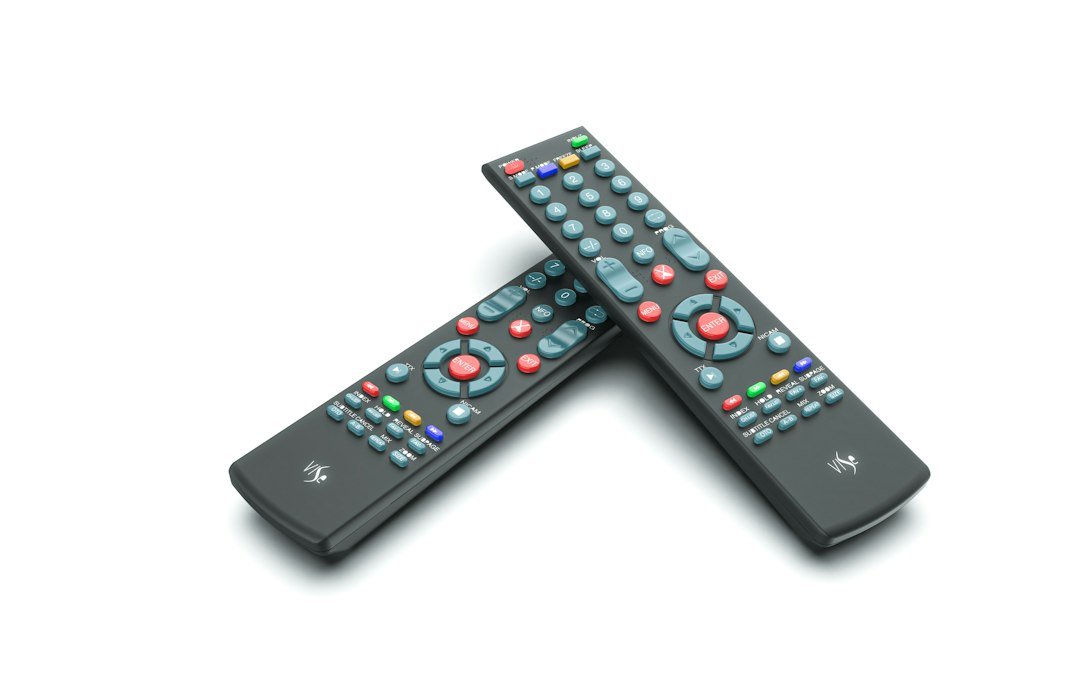
Introduction to Hardware Realities
Getting your setup right depends heavily on the hardware sitting under your television. When evaluating IPTV device performance UK setups vary wildly based on processor speeds, RAM allocations, and operating system updates. A cheap stick might struggle with high-bitrate live feeds. Meanwhile, a dedicated box breezes through the exact same channel list without dropping a single frame. You need to match your player to your actual viewing habits.
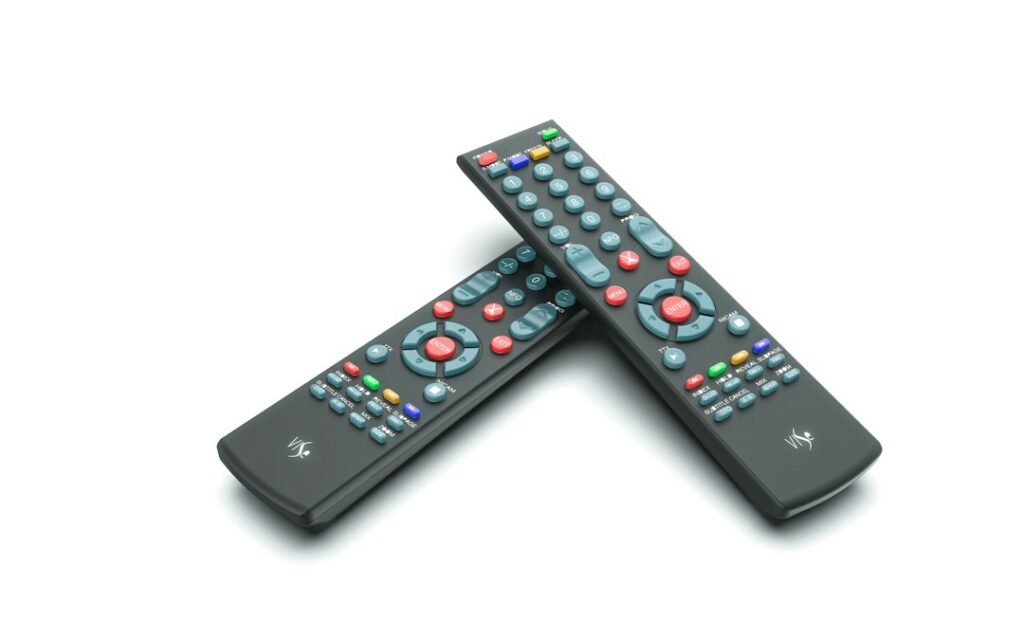
Most British living rooms now feature a mix of smart displays, streaming sticks, and games consoles. Not all of these run media players equally well. Manufacturers cut corners on internal components to keep retail prices low. Understanding these hardware limits saves you from endless buffering frustrations.
Amazon Fire TV Sticks and Budget Hardware
Amazon’s popular dongles sit behind millions of UK television sets. They are cheap, compact, and simple to plug in. Performance varies dramatically between models, though. The basic Lite edition features minimal memory and a sluggish processor. It stumbles when loading large channel guides or decoding heavy video codecs.
Stepping up to the 4K Max version changes the experience entirely. Wi-Fi 6 support helps maintain a stable connection during peak evening hours when neighbourhood bandwidth dips. Sideloading apps takes a few extra steps here compared to open Android boxes. Once configured properly, these devices handle day-to-day streaming reliably. Just remember to clear your cache regularly because storage fills up fast.
Android TV Boxes and Dedicated Media Players
Dedicated boxes running pure Android TV offer unmatched flexibility. They give you a proper app store designed for remote controls rather than touchscreen navigation. When testing IPTV device performance UK users often find that dedicated boxes outclass built-in television software.
Ethernet ports on boxes like the Nvidia Shield or high-end Mecool units eliminate wireless interference entirely. Wired connections matter when you stream live sports in high definition. You won’t suffer from sudden drops caused by microwave ovens or thick interior walls. These units also handle audio pass-through better. Dolby Atmos soundtracks route cleanly to your soundbar without lag.
Smart TV Native Apps Versus External Streaming Sticks
Buying a modern television usually means getting a smart platform built right into the screen. Samsung uses Tizen, LG relies on webOS, and budget brands often choose Google TV or Roku. Relying on your TV’s built-in software sounds convenient. It keeps your coffee table free of extra remotes and power cables.
Television manufacturers rarely pack powerful chips into their screens. They spend money on panel quality instead. The processor running your smart interface is often an afterthought. Apps launch slowly. EPG grids stutter as you scroll through hundreds of channels. External hardware usually runs rings around native television software.
You might hit restrictions in app stores depending on the manufacturer. Some brands block certain media players from their official stores. Sideloading isn’t an option on locked systems like Tizen or webOS. You end up buying a separate stick anyway just to get the interface you want.
Mobile Devices and Tablets on British Networks
Watching on a phone or tablet offers total freedom around the house. You aren’t chained to the living room sofa. iOS and iPadOS handle video decoding smoothly thanks to powerful mobile processors. If you want a deeper dive into mobile setups, check out our guide on how to set up IPTV on iPhone & iPad easily for step-by-step instructions.
Android tablets vary more widely in quality. Budget slates from lesser-known brands might drop frames during fast-moving football matches. Battery drain is another factor to watch. Continuous stream decoding eats through battery percentage much faster than casual web browsing.
Wi-Fi roaming matters when you walk from room to room. Moving away from your router causes temporary signal drops. Modern mesh networks help maintain stability across your property. Keep an eye on your iptv connection limit if you switch screens frequently between your main television and a mobile device.
Desktop Computers and Web Browsers
Streaming through a web browser on a laptop or desktop remains a solid fallback option. Modern browsers handle HTML5 video effortlessly. Chrome, Firefox, and Edge decode most streams without needing extra software extensions.
Desktops usually connect via gigabit ethernet cables. This provides the most stable connection possible in a residential home. You rarely see buffering spikes on a wired PC. Multitasking is simple, too. You can keep an eye on a live news stream in one corner of your screen while working on spreadsheets.
The downside is obvious. Laptops lack the lean-back experience of a living room television. Hooking a laptop up to your main screen via HDMI solves this problem. It turns your computer into a makeshift streaming hub.
Processor Speeds, RAM, and Storage Bottlenecks
Hardware specifications dictate how well your setup performs over time. Devices with two gigabytes of RAM or less will struggle with modern apps. Interface animations stutter. Channels take longer to buffer when switching between them.
Storage capacity dictates how many cached files your player can hold. Electronic program guides download huge amounts of data in the background. A device with only eight gigabytes of total storage fills up quickly. Once storage runs low, system performance drops sharply.
Look for hardware featuring quad-core processors and at least four gigabytes of RAM if you want future-proof performance. These specs ensure smooth scrolling through massive channel lists and crisp video playback without stutter.
Broadband Speed and Hardware Compatibility
Even the most expensive streaming box fails if your home internet cannot keep up. British broadband infrastructure varies wildly between urban fiber connections and rural copper lines. Wi-Fi band congestion causes unexpected stuttering during peak evening hours.
Switching your streaming device from a wireless connection to a wired ethernet cable solves most speed issues instantly. If running a physical cable across your house is impossible, invest in a decent dual-band or tri-band router. Place your streaming hardware in a clear line of sight to avoid signal degradation.
For more information, IPTV UK.
Leave a Reply