





- IPTV Apps vs Dedicated Boxes for UK Viewers
- Hardware Performance and Processing Power
- Interface Customisation and Control
- Reliability and Software Updates Over Time
- Making Your Decision
- Frequently Asked Questions
- Do I need a fast internet connection for dedicated boxes?
- Can I use the same subscription on multiple devices?
- Are dedicated boxes difficult to install?
IPTV Apps vs Dedicated Boxes for UK Viewers
Choosing how to watch television over your internet connection involves a few key hardware decisions. Many UK households already run IPTV apps directly on their living room displays. Others prefer buying separate physical units to handle the workload. Both approaches stream channels effectively, but they feel very different day to day.
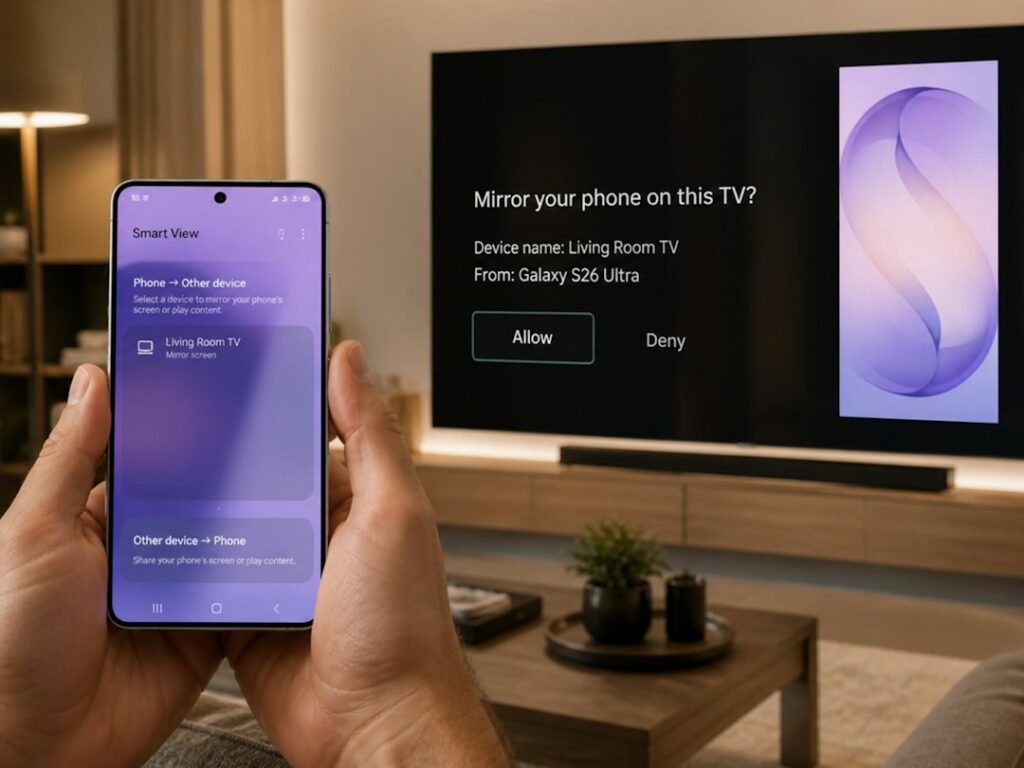
If you want a streamlined lounge without extra clutter, built-in television software looks tempting. Smart TVs from brands like Samsung, LG, and Sony let you download software straight from their respective app stores. You don’t need another remote or an extra plug socket. Yet that convenience comes with compromises.
Television manufacturers rarely pack high-end processors into standard consumer screens. Menus can stutter when you load up heavy electronic programme guides. Older sets might stop receiving software updates after a few years, leaving your streaming tools vulnerable to bugs. If you use a Samsung display, check out our guide on IPTV apps for Samsung Smart TV to see how software performance holds up on specific models.
Hardware Performance and Processing Power
Dedicated streaming boxes operate differently. Devices like Android TV boxes or dedicated media players carry dedicated silicon built solely for decoding video feeds. They switch channels faster. They handle high-bitrate HD streams without dropping frames.
Memory matters too. Most modern televisions ship with limited RAM. Run a busy playlist with thousands of channel links and an eager catch-up archive, and the internal storage fills up fast. Dedicated hardware usually features generous memory allowances, meaning your guide loads quickly every time you turn the system on.
Interface Customisation and Control
Using television software means you are stuck with whatever layout the app developer creates within the TV manufacturer’s design guidelines. Customisation options stay minimal. You get a grid, a search bar, and basic settings.
Separate hardware boxes unlock deeper personalisation. You can install alternative media players, map custom buttons on your remote, or rearrange your favourite categories precisely how you want them. For households where everyone watches different genres, that flexibility makes a huge difference.
Still, extra hardware brings extra cables. You need a spare HDMI port and a dedicated power supply. For minimalists, that extra box sitting below the screen defeats the clean look of a wall-mounted display.
Reliability and Software Updates Over Time
Television operating systems change frequently. When LG or Samsung pushes a major firmware update, older apps sometimes break unexpectedly. You might find your streaming setup crashing right before a big weekend football match.
Dedicated media players give you more control over updates. You can often pause system updates until you know your preferred streaming player remains compatible. Hardware manufacturers also tend to support dedicated gadgets longer than budget television lines keep their legacy software active.
Making Your Decision
If you want a simple setup with zero extra wires, running software directly on your display works fine for casual viewing. It costs nothing extra to test if your current screen handles basic streaming smoothly.
For heavy users who demand instant channel zapping, smooth electronic guides, and zero lag, a dedicated streaming box wins easily. It keeps the processing heavy-lifting away from your TV screen, resulting in a much smoother viewing experience across the board.
Frequently Asked Questions
Do I need a fast internet connection for dedicated boxes?
Both options require a stable broadband connection. Dedicated boxes don’t magically improve slow internet speeds, but they do handle network packets more efficiently than low-spec TV chips.
Can I use the same subscription on multiple devices?
Most standard plans restrict active simultaneous streams unless you upgrade your account tier. Always check your provider’s terms before logging into multiple screens simultaneously.
Are dedicated boxes difficult to install?
Not at all. They usually plug straight into an HDMI port, connect to your home Wi-Fi or Ethernet cable, and let you download your preferred media player within minutes.
For more information, IPTV UK.
Learn more on Wikipedia: István P. Szabó.
Related reading
- Smart TV vs Streaming Stick for IPTV UK: Which Setup Wins Your Living Room?
- 5 Essential Steps to Secure Your IPTV UK Network and Data
Update: TiviMate vs IPTV Smarters: Which Streaming App Suits Your UK Setup?
Update: UK IPTV Subscription Choices: What Buyers Actually Need to Know
Update: Can You Use Your IPTV UK Subscription Abroad? What You Need to Know
Update: Decoding UK IPTV Bitrates and Video Quality for Better Streaming
Update: 7 Things to Check Before You Buy Your First UK IPTV Subscription
Leave a Reply