

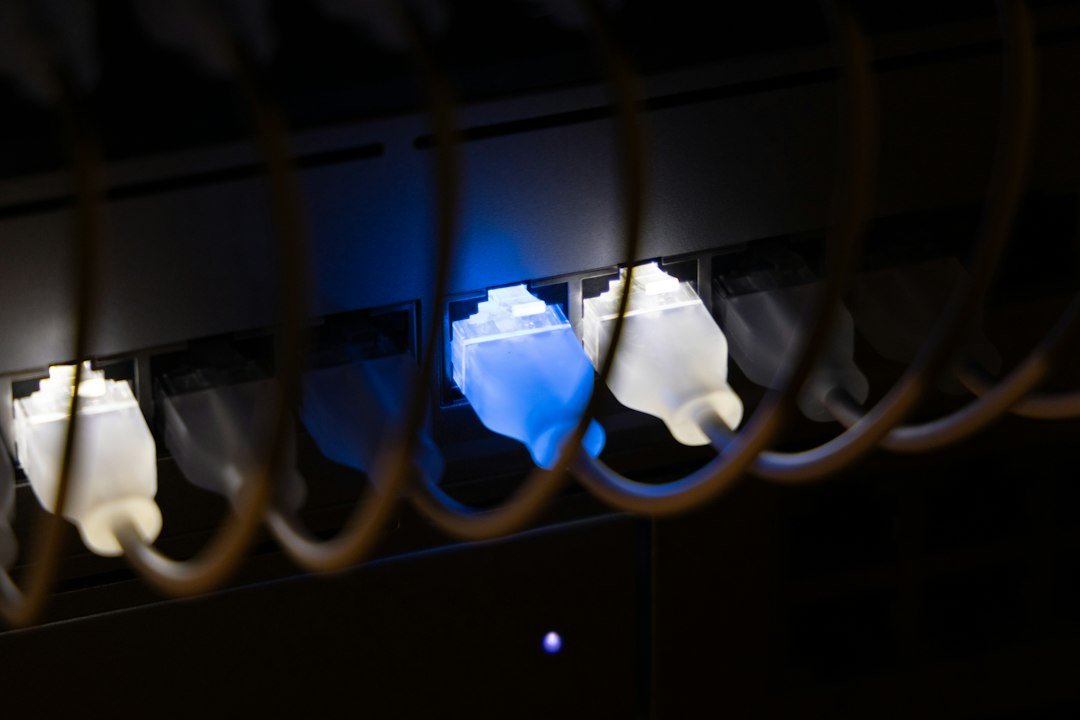




Your IPTV stream freezes right during a crucial football match. You look at your Wi-Fi icon, and the signal drops happen without warning. Wireless signals struggle with thick Victorian brick walls and modern insulation alike. Fixing this requires a hardwired approach. When weighing Ethernet vs Powerline connections for your home, understanding how data travels through your house changes everything.
Direct Ethernet Cabling
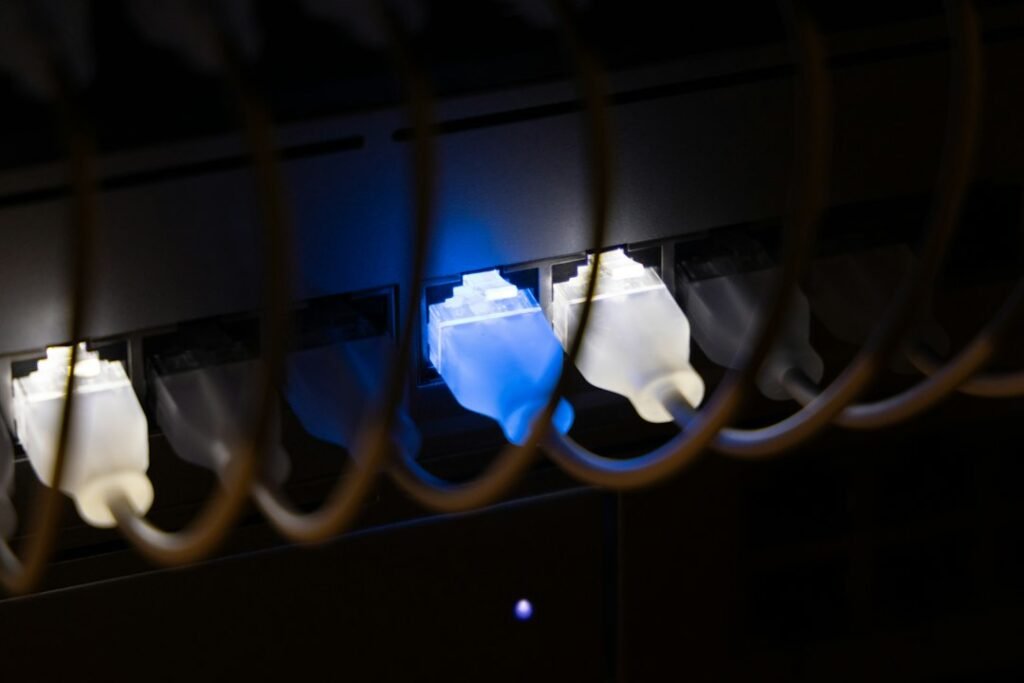
Running a physical cable straight from your broadband router to your streaming box provides the most stable connection possible. Copper wires carry packets directly without interference from microwaves or baby monitors. You plug one end into your hub and the other straight into your device. There is no guesswork involved.
Cat5e and Cat6 cables handle gigabit speeds easily. Most modern UK homes with fibre broadband from providers like BT, Sky, or Virgin Media will benefit immensely from this bandwidth overhead. You won’t experience sudden drop-outs because physical barriers do not disrupt electrical pulses inside a solid cable. If you want to dive deeper into eliminating stutter, read this guide on how to reduce buffering during IPTV streaming for extra troubleshooting steps.
However, running long cables across hallways creates severe trip hazards. Drilling holes through interior walls takes time and effort. Landlords often forbid permanent wiring modifications in rental properties. Aesthetics matter too. Nobody wants yellow network cords trailing across a living room carpet.
Powerline Adapters
Powerline adapters offer an alternative when running long cables proves impossible. These handy gadgets use your home’s existing electrical wiring to transmit network data. You plug one adapter into a wall socket near your router, connect a short patch cable between them, and plug the second adapter into a socket near your television.
Data rides over the copper electrical mains already buried inside your plaster walls. This bypasses the need for long Ethernet runs across floors. Setup takes minutes. Most kits feature simple pairing buttons that sync the units automatically.
Performance depends heavily on your electrical circuit’s age and layout. Homes wired decades ago often feature outdated ring mains that degrade signal integrity. Circuit breakers, fuse boxes, and consumer units also cause packet loss. If your two sockets sit on different electrical rings, data has to travel back to the main fuse box and bounce across phases, which slows things down drastically.
Heavy kitchen appliances interfere with powerline signals. When a washing machine or tumble dryer starts heating water, electrical noise floods the mains circuit. Your stream might stutter or drop frames entirely during spin cycles. Modern adapters use MIMO technology to help mitigate this, but physics still imposes limits.
Comparing Speed and Latency
Raw throughput matters for high-definition video feeds. A direct copper line delivers rated ISP speeds consistently. If you pay for a 150Mbps package, you get near 150Mbps at the television end with minimal packet loss.
Powerline adapters advertise high speeds on the box, but real-world results vary wildly. A model claiming 1200Mbps rarely delivers more than a fraction of that in typical UK domestic environments. Still, even 50Mbps is plenty for high-bitrate video streams. Latency is the real metric to watch.
Direct wiring keeps ping times under two milliseconds. Powerline connections usually add a few extra milliseconds of delay due to signal conversion at each adapter. IPTV doesn’t require ultra-low gaming latency, but high jitter causes noticeable micro-stutters during camera pans.
Installation Practicalities in UK Homes
British housing stock features varied architectural quirks. Solid concrete floors block Wi-Fi completely. Stone walls absorb signals like sponges. Network planning requires practical compromises.
Flat Ethernet cables can run under baseboards or beneath carpets without looking messy. Special clips hold them securely against skirting boards. This requires patience and a tape measure.
Powerline setups avoid physical labor but introduce socket scarcity. Wall sockets in older UK properties are often limited. Plugging an adapter into an extension lead ruins performance completely. Powerline units must plug directly into wall sockets to function correctly. This often forces you to sacrifice a precious dual outlet behind the television.
Making Your Final Choice
Direct Ethernet wins on pure reliability and raw speed. If you can run a cable discreetly along your baseboards, do it. Your connection remains completely immune to electrical interference from household appliances.
Choose powerline adapters if drilling holes or running visible cables is completely out of the question. They bridge network gaps effectively in most modern properties, provided your electrical ring main is relatively healthy. Test both options if possible. Your local setup dictates the final winner.
For more information, IPTV UK.
Related reading
- Hardware Reality Check: Choosing the Right UK IPTV Devices for Your Home
- How to Check Your Router Settings for Better UK IPTV Streaming
Update: IPTV Device Compatibility Myths: What Actually Works on UK Screens?
Update: Choosing and Setting Up IPTV UK Devices for Your Living Room
Update: How to Monitor Internet Speed for UK IPTV Streaming
Update: How to Set Up UK IPTV Parental Controls to Manage Family Viewing
Update: IPTV UK Devices: What Works Best Across Your Screens
Leave a Reply