





Getting your home network ready for television streaming involves looking closely at your internet package. Many households struggle with stuttering playback simply because they ignore specific IPTV bandwidth requirements. You don’t need a degree in networking to fix this. You just need clear facts about download speeds, data caps, and hardware limitations.
Evaluating IPTV Bandwidth Requirements for Daily Viewing
Internet service providers love advertising massive headline speeds. Real-world performance rarely matches those bold claims during peak hours. Live television demands a steady, uninterrupted flow of data packets. If your connection dips below the threshold, your screen freezes instantly. Understanding hardware compatibility checks helps, but raw internet speed remains the primary bottleneck for most setups.
Standard definition streams consume very little data. You can easily watch SD channels on a basic ten megabit connection. Most broadcasters dropped pure SD years ago, though. HD content dominates the current UK television landscape. You need significantly more breathing room for a crisp picture.
High Definition Data Demands
Broadband packages in the UK usually advertise download speeds first. Upload speeds matter less for pure viewing, but your download rate dictates everything. Watching a single HD live stream requires a reliable floor of fifteen to twenty megabits per second. Drops below this range cause immediate pixelation.
Sports fans face an even tougher challenge. Fast-moving football matches generate massive amounts of visual data per second. A static news broadcast uses fewer resources than a Premier League fixture. Providers compress these feeds differently. Good compression saves data, but poorly compressed streams chew through your allowance rapidly.
Why 4K Ultra HD Changes IPTV Bandwidth Requirements Completely
Ultra HD is standard on modern television sets. Watching movies in 4K resolution shifts the math entirely. These streams demand anywhere from twenty-five to fifty megabits per second for a single feed. If your broadband tops out at thirty megabits, turning on a 4K football match starves every other device in the house.
Most UK fibre connections handle these loads comfortably now. Openreach and alternative network builders rolled out gigabit connections across many towns and cities. Even so, rural areas still rely on older copper lines. Check your local exchange capability before signing up for high-resolution packages.
Wired Connections Versus Wireless Realities
Wi-Fi introduces invisible obstacles into your home network. Thick walls, microwave ovens, and neighbour interference wreck wireless signal stability. Packet loss ruins streaming quality even when speed tests look fantastic.
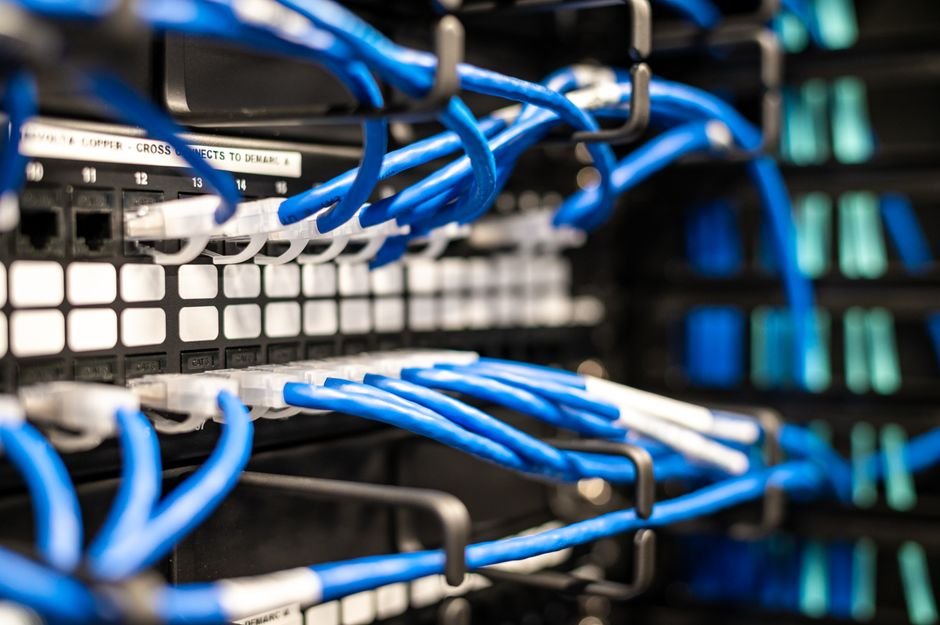
Plug an Ethernet cable directly into your streaming box whenever possible. Physical copper wires eliminate wireless jitter entirely. Your router delivers data straight to the player without radio interference getting in the way. If running a cable across the living room floor looks messy, consider powerline adapters as a smart alternative.
Managing Household Traffic and Peak Hours
Evening internet traffic in the UK peaks between eight and ten o’clock. Millions of households stream movies and play online games simultaneously during these hours. Local street cabinets experience congestion under this heavy load.
Your own home network suffers from similar internal bottlenecks. Children gaming, tablets downloading updates, and phones backing up photos all compete for bandwidth. QoS settings on modern routers let you prioritise television traffic over casual browsing. Turn that feature on if your stream stutters every time someone else opens a web browser.
Data Caps and Fair Usage Policies
Unlimited broadband feels standard today, but some budget providers still enforce hidden fair usage limits. Streaming live television twenty-four hours a day consumes hundreds of gigabytes per month easily. Check your provider’s terms before leaving feeds running in the background all day.
Exceeding caps usually results in traffic throttling. Your provider intentionally slows down your connection speeds to a crawl. Live video streams simply stop working under throttled conditions. Switch to a truly unlimited tariff if you cut the traditional cable cord completely.
For more information, IPTV UK.
Related reading
- Five Reasons Your Internet Provider Throttles IPTV UK Streams
- IPTV UK VPN Guide: Everything You Need to Know for Secure and Smooth Streaming
Update: How UK Broadband Providers Handle IPTV Traffic at Peak Hours
Update: How to Cancel an IPTV UK Subscription Without Hassle
Pingback UK Broadband and IPTV Traffic: Peak Hours Guide