





Can You Record Live IPTV Streams Like Old Sky Boxes?
People miss the old days of hard drives humming inside a set-top box. You used to press one button on a remote and walk away. IPTV works differently because most streams arrive as live packets rather than local files.
Some premium apps let you grab a live broadcast straight to a connected USB drive. Other providers build cloud DVR storage directly into their service plans. It all depends on your hardware.
If you use Android TV streaming hardware, plug-in storage makes local recording surprisingly simple. You just format a high-speed flash drive and point your favorite media player toward it.
How Cloud DVR Changes the Schedule Game
Cloud recording solves the hardware problem completely. Your provider hosts the storage miles away in a data center. You pick a show from the electronic program guide, tap record, and the server handles the heavy lifting.
There is a catch though. Many budget providers limit your storage hours or delete your recordings after a few weeks. Always check the fine print before you trust a cloud recorder with an entire series.
Catch-up TV often replaces the need to record entirely. Major UK broadcasters keep shows online for thirty days anyway. You don’t need a separate digital video recorder if the broadcaster already archived the file.
Setting Up Local Storage for Your IPTV Player
Local recording requires fast read and write speeds. Cheap USB sticks will drop frames and ruin your captured video files.
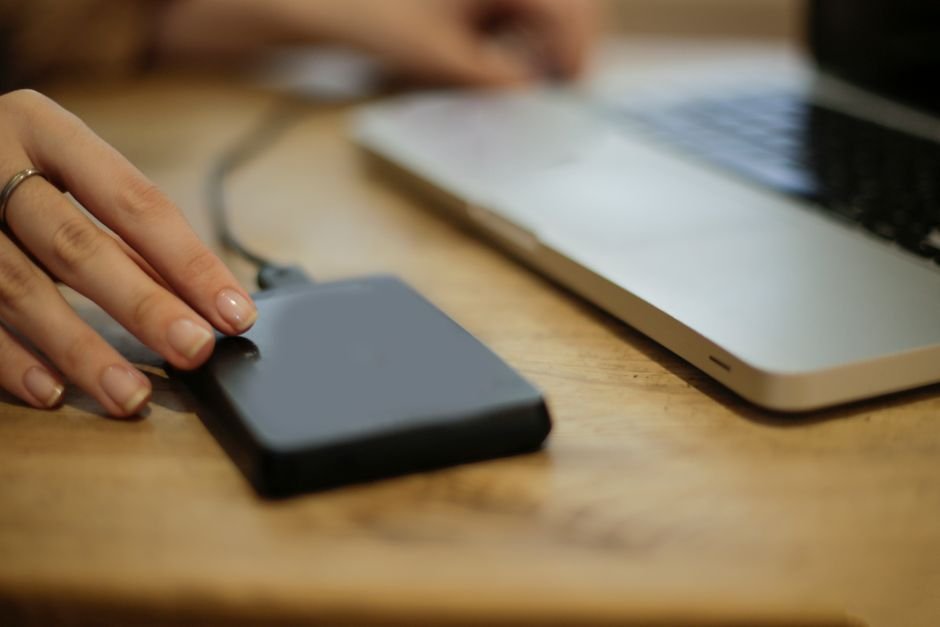
Buy a solid-state drive with a USB enclosure instead. Connect it to your streaming box, open your player settings, and select external storage as your default download path.
Sometimes playback stutters while a recording runs in the background. That usually happens because the processor gets overwhelmed by decoding and encoding video streams simultaneously. Upgrading your box fixes that bottleneck.
Troubleshooting Failed Scheduled Recordings
Timers fail when apps lose their internet connection overnight. Smart boxes often put USB ports into a sleep state to save power. You need to disable aggressive battery-saving features in your device settings.
EPG data can also shift by a few minutes. If a broadcast runs long, your recording cuts off right before the exciting finish. Pad your schedules by five minutes on either side to prevent missing the end of a match or film.
For more information, IPTV UK.
Related reading
- IPTV Buffering Fixes UK: Real Solutions for Slow Streams
- Ethernet vs Wi-Fi for IPTV: 7 Factors UK Streamers Must Weigh
Update: Smart TV Apps vs Dedicated Streaming Boxes: Which Wins for IPTV?
Update: How to Clean IPTV Cache and Temporary Files for Faster Streaming
Explore Our Flexible IPTV Plans and Start Streaming Today
Main events, undercards and title fights streamed in 4K. No pay-per-view charges, no contract, instant activation on any device.
Pingback Smart TV Apps vs Streaming Boxes for IPTV UK
Pingback IPTV Buffering Fixes UK: Stop Lagging Streams