



The Speed Myth Holding Back Your Living Room
People assume that a top-tier fibre package solves every home streaming headache instantly. That’s rarely true. You might be paying for a massive 500Mbps connection, yet your live sports feed still stutters during a crucial match. The problem isn’t usually your raw download rate. It’s how your home network handles data packets under pressure. Real-world performance depends heavily on Wi-Fi interference, background device updates, and local exchange congestion during peak evening hours. Let’s look at what actually matters for a stable feed.

What the Numbers Really Mean
Standard definition streams need very little bandwidth. High definition changes things. If you want a crisp 1080p picture at fifty frames per second, you need a stable connection that delivers at least 15 to 25 megabits per second consistently. Moving up to ultra-high-definition broadcasts pushes that requirement higher. But raw speed numbers hide a dirty secret. Consistency beats peak capacity every single time. A rock-solid 30Mbps connection outperforms a jittery 150Mbps line that drops packets every few minutes.
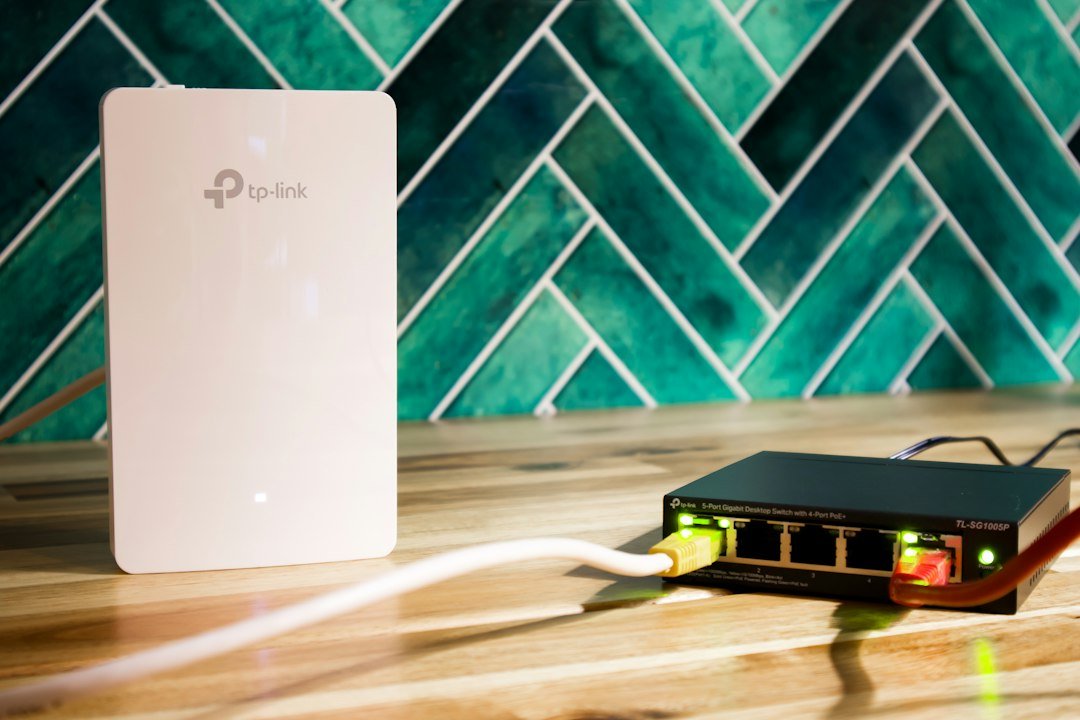
If you’ve ever tried watching live events while someone else in the house downloads a massive video game, you know the pain. Network contention ruins streams. Quality of service settings on your router can help prioritise video traffic over mundane background tasks. Still, finding the right wired network configuration often makes a bigger difference than simply upgrading your monthly broadband tariff with your internet service provider.
Diagnosing Your Real-World Performance
Running a quick speed test on your phone while sitting next to the router tells you nothing useful. You need to test from the actual streaming hardware in your living room. Run diagnostics during the evening when your street is busy online. That’s when local contention peaks. If your speeds drop by half after dinner, your internet service provider is oversubscribed in your neighbourhood. No streaming box or app setting fixes that kind of infrastructure bottleneck.
Packet loss is the silent killer of live broadcasts. You can have great download speeds, but if three percent of your data packets vanish into thin air, your picture freezes. You’ll see spinning circles or audio sync drift. Check your router logs if you suspect packet loss. Sometimes switching from a crowded wireless channel to a clear one solves the whole mess.
Practical Steps to Stabilise Your Connection
Stop relying on wireless connections if your router sits behind the television cabinet or on another floor. Thick walls and household appliances wreck Wi-Fi signals. Swap the wireless link for a physical cable whenever possible. It removes half the variables causing stuttering playback.
Reboot your networking gear once a month. Routers run for months without a break, accumulating memory leaks and software sluggishness. A simple power cycle clears the cache and restores full routing efficiency. Keep your streaming apps updated too. Developers constantly patch bugs that cause memory bloat and slow down stream decoding over time.
For more information, IPTV UK.
Leave a Reply