



You stare at the screen while the buffering wheel spins endlessly during a live football match. It’s frustrating. Most people blame their broadband provider straight away. Often, the real culprit is how your streaming box connects to the router. Choosing between a wired Ethernet cable and a wireless network changes everything about your UK IPTV streaming setup.
The Reality of UK Broadband and Your Setup
Most British homes now feature superfast fibre connections delivered by Openreach, Virgin Media, or independent alt-nets. You get plenty of download speed on paper. Even basic packages usually offer over 30 Megabits per second. That bandwidth easily handles high-definition video feeds. Yet, raw speed tells only half the story.
Packet loss and jitter destroy a live video stream faster than slow download speeds. Wi-Fi networks suffer from constant interference. Thick Victorian brick walls, microwave ovens, and neighbour’s routers operating on overlapping channels create invisible chaos in the air. Ethernet cables bypass all that noise entirely. They offer a direct, private highway for data packets.
Why Wi-Fi Seems Fine Until It Fails
Wireless technology works brilliantly for browsing the web or checking emails. Pages load a fraction of a second slower, and you won’t notice. Live television demands continuous, uninterrupted data delivery. If your Wi-Fi drops a few packets for a split second, the video stream stutters or drops resolution.
Modern routers use dual-band or tri-band frequencies. The 5 GHz band gives you faster speeds but struggles to penetrate solid walls. The 2.4 GHz band travels further through the house, but it’s terribly crowded with Bluetooth devices, baby monitors, and Wi-Fi traffic from next door. If your television sits downstairs while your broadband hub lives upstairs in the home office, streaming high-bitrate video over Wi-Fi becomes a lottery.
The Hidden Costs of Wireless Interference
Think about a typical Friday evening in a suburban terrace house. Everyone is online. Phones stream music, tablets play games, and laptops download updates. Your wireless router juggles dozens of devices at once. It divides its attention among them using time-slicing techniques. That creates micro-delays in network response times, known as latency. IPTV feeds hate high latency. You might experience audio drifting out of sync or sudden pixelation during fast-moving scenes.
Wired Ethernet: Boring, Stable, and Bulletproof
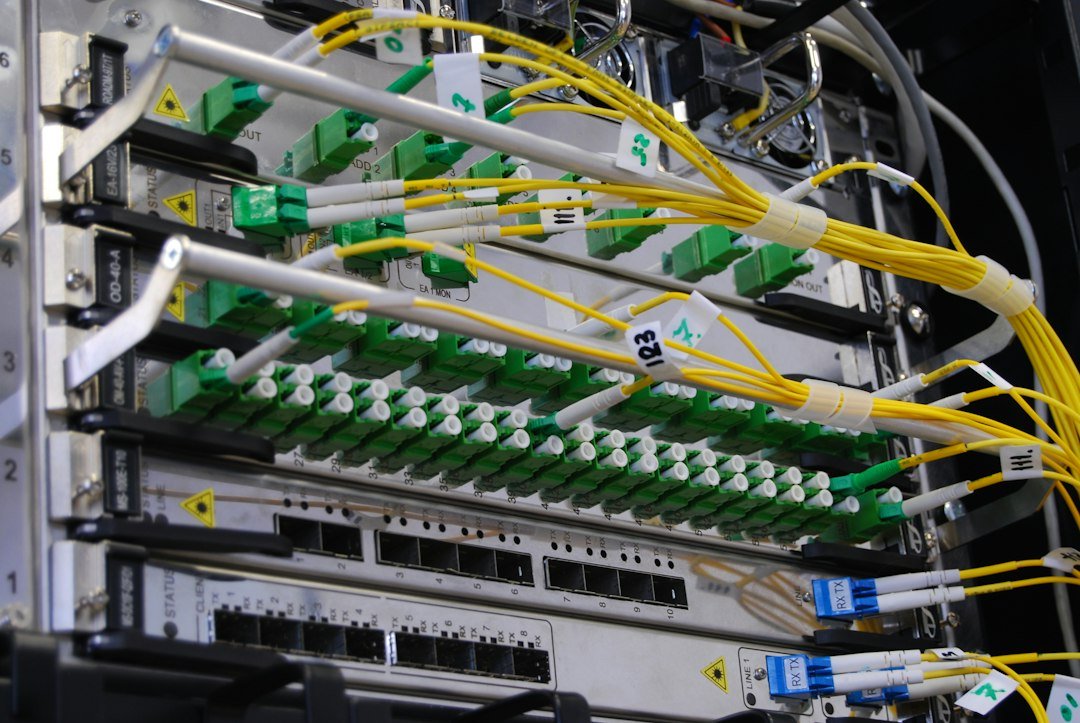
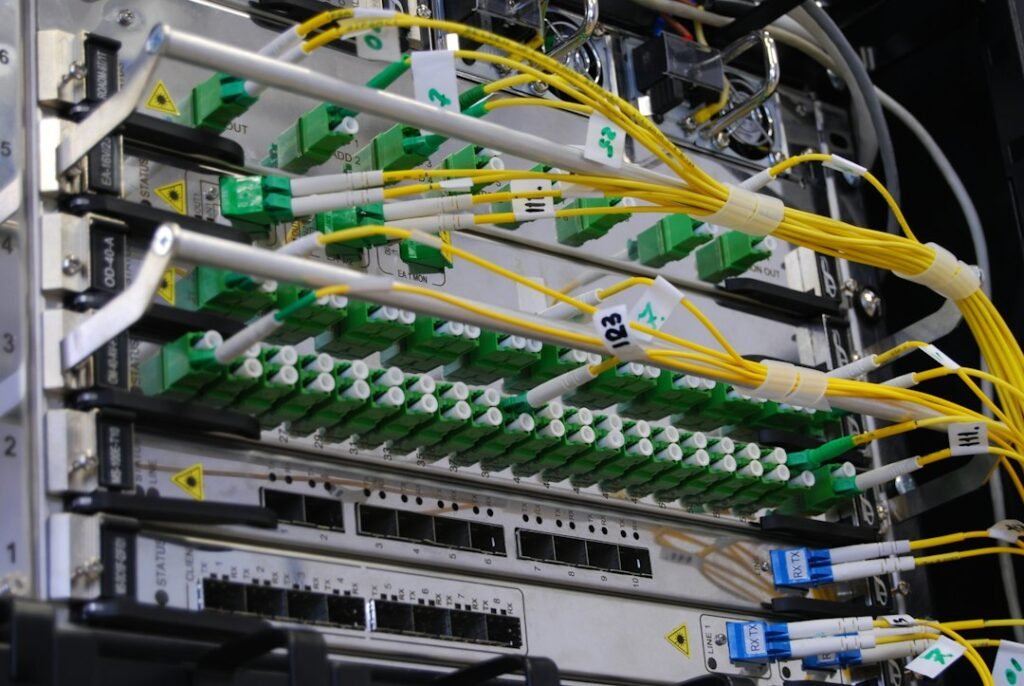
Running a physical cable across your living room floor looks messy. Nobody wants yellow CAT6 cable taped along the skirting boards. Still, plugging your hardware straight into the back of the broadband hub solves a remarkable number of headaches.
An Ethernet connection provides maximum signal integrity. It doesn’t care if your neighbour upgrades their wireless network or if someone fires up the microwave to heat dinner. Speeds remain consistent twenty-four hours a day. Ping times drop significantly, often sitting at just a single millisecond. That rock-solid stability makes live sports and scheduled broadcasts look crisp and sharp without sudden drops in quality.
Dealing With Router Placement in Typical UK Homes
British property construction creates unique challenges for home networking. Older houses feature lath and plaster or solid brick internal partitions that block wireless signals effectively. Newer builds use timber frames packed with foil-backed insulation, which acts almost like a Faraday cage.
Moving your main router into the living room fixes connection issues instantly. Many broadband providers now permit you to move the master socket or supply long fibre leads. If moving the hub isn’t practical, powerline adapters offer a clever compromise. These devices send network data through your home electrical wiring. They let you plug an Ethernet cable into a socket behind the television and bridge the gap back to your router without drilling holes through masonry walls.
Real-World Performance Under Heavy Household Load
Let’s look at how both connection types handle pressure. Imagine three people streaming different video feeds simultaneously in the same property. On Wi-Fi, the router must constantly renegotiate packets for each device. Airtime contention slows down the overall throughput.
When you use a wired connection for your main viewing setup, that specific device gets dedicated priority on the local network switch inside the router. It stops competing for airwaves. Even when the rest of the household streams movies in the bedrooms, your primary television keeps its high-definition stream flowing smoothly.
Making Your Final Choice
If your streaming device sits right next to the broadband router, use a short Ethernet cable every single time. It takes ten seconds to plug in, costs very little, and removes an entire category of potential tech troubles.
If your television is on a different floor or across a large room, evaluate your alternatives carefully. Powerline adapters or discreet flat Ethernet cables tucked under carpets beat a shaky Wi-Fi signal every day of the week. Reserve wireless connections for tablets, phones, and secondary screens where absolute peak stability matters less than convenience.
For more information, IPTV UK.
Related reading
- A Complete Guide to Using UK IPTV Devices Across Your Home
- How to Back Up and Restore Your IPTV Playlist on UK Devices
Leave a Reply