

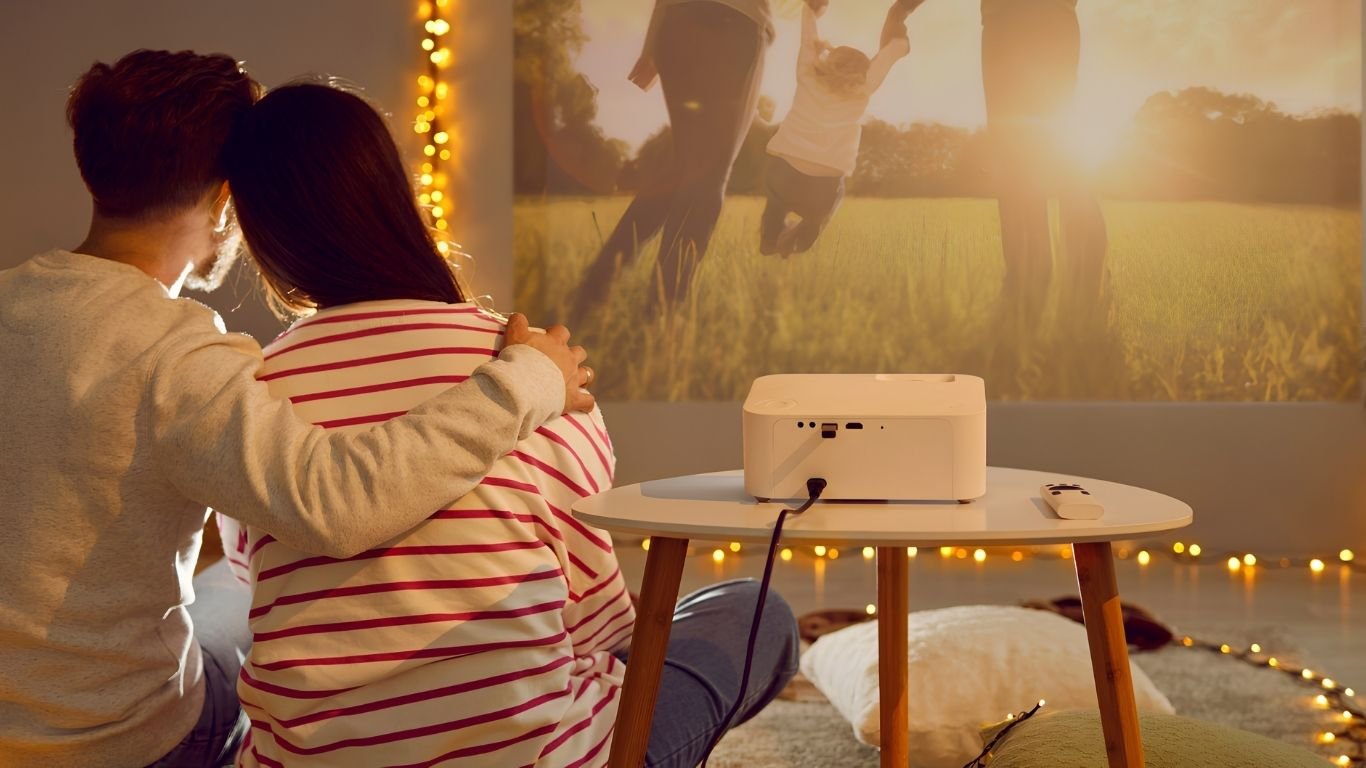




An IPTV projector setup is one of the more satisfying things you can do with a streaming subscription. A screen four or five times the size of a television, for the cost of a thirty-pound streaming stick and whatever projector you already own, turns a normal evening into something closer to a cinema. The setup itself is straightforward, but there are a handful of details that separate a genuinely good result from a disappointing one — sound, brightness, and where you position everything. This guide covers all of it, including the parts most projector guides skip.
What an IPTV Projector Setup Needs
The list is short, and if you own a projector already, you are most of the way there.
- A projector with an HDMI input — virtually all modern models have one
- A streaming stick or small Android box
- A power source for the streaming device
- Wi-Fi or Ethernet in the room
- An active subscription with your login details
The streaming device is what makes an IPTV projector setup work. Projectors themselves are display hardware — most have no apps, no operating system worth using, and no way to run a player. The stick supplies all of that; the projector just shows the picture.
Connecting Your IPTV Projector
Physically, this takes about two minutes.
Plug the streaming stick into the projector’s HDMI port. If access is tight, use the short extension cable most sticks include. Connect power to the stick — some projectors have a USB port that can supply it, though many do not deliver enough current, in which case use a mains adapter instead. Switch the projector to the correct HDMI input, connect the stick to your network, install a player app, and sign in.
That is the entire hardware side. The setup steps inside the app are identical to any other device — our Firestick guide covers the app installation and login process in full.
IPTV Projector Sound: The Part Everyone Underestimates
This is where most IPTV projector setups fall short, and it is worth solving before anything else.
Projector speakers are, almost universally, poor. They are small, they face away from you, and they compete with fan noise from the projector’s own cooling. A hundred-inch picture with tinny audio is a worse experience than a normal television with decent sound.
Three options, in ascending order of quality. A Bluetooth speaker paired to the streaming stick is the simplest and works acceptably. A sound bar connected by HDMI or optical is a clear step up and the sensible choice for regular use. A proper AV receiver is overkill for most people but transforms the experience if you already own one. Whichever you choose, check for audio delay. Video travelling to a projector and audio travelling to a separate speaker can drift out of sync, and most players include a delay adjustment to correct it.
IPTV Projector Picture Settings That Matter
Projectors are more sensitive to configuration than televisions, and a few adjustments make a substantial difference.
Match the resolution to the projector. Forcing 4K output to a 1080p projector achieves nothing and can cause instability. Set the streaming device to the projector’s native resolution.
Control the ambient light. Projectors lose contrast dramatically in a lit room. Curtains or blinds do more for picture quality than any setting.
Use the projector’s cinema or movie mode rather than the default bright preset, which oversaturates colours to compensate for daylight.
If your projector genuinely supports Ultra HD, our 4K IPTV UK guide covers the bandwidth and settings needed to get it.
IPTV Projector vs Television
An honest comparison, because a projector is not automatically better.
| Screen size | 100 inches and beyond | Typically 43–75 inches |
| Daytime viewing | Needs a darkened room | Fine in daylight |
| Built-in sound | Poor, needs external | Adequate to good |
| Setup time | Positioning each time, unless mounted | Permanent |
| Cost per inch | Far lower | Rises steeply above 65 inches |
| Best for | Film nights, sport, events | Everyday viewing |
Most households that use both end up with the television for daily viewing and the projector for occasions — a match, a film night, something in the garden in summer.
Outdoor and Garden IPTV Projector Setups
A projector’s real advantage over a television is that it is portable, and a garden screening is genuinely one of the better uses of an IPTV projector setup.
You need a flat, pale surface — a wall, a sheet, a proper screen — darkness, and a way to get network and power outside. Wi-Fi range is the usual limiting factor; if the signal is weak at the far end of the garden, tethering the streaming stick to a phone hotspot is a workable alternative for one evening.
Sound matters even more outdoors, since there are no walls to reflect it. A portable Bluetooth speaker positioned near the seating rather than near the projector makes a noticeable difference.
Common IPTV Projector Problems
Most issues fall into a short list. No picture is nearly always the wrong HDMI input selected on the projector. The stick restarting randomly means the USB port is not supplying enough power — use a mains adapter. Audio out of sync is fixed with the player’s delay control. A washed-out image usually means too much ambient light rather than a settings problem.
If streams start but stutter, that is a network issue rather than a projector one — our device guide covers connection requirements across hardware types.
Frequently Asked Questions
Do I need a smart projector for IPTV?
No. A basic projector with an HDMI port plus a streaming stick works perfectly well, and often better than a projector’s built-in apps.
Can I power the streaming stick from the projector?
Sometimes. If the stick restarts randomly, the USB port is not supplying enough current — switch to a mains adapter.
Will an IPTV projector work in a bright room?
Poorly. Projectors need controlled light far more than televisions do. Curtains improve the picture more than any setting.
What about sound?
Use an external speaker or soundbar. Built-in projector speakers are almost always inadequate for a screen that size.
Can I use a projector outdoors?
Yes, given darkness, a pale flat surface, and power plus network access. It is one of the best uses of a projector setup.
Does an IPTV projector setup support 4K?
If the projector does. Match the streaming device output to the projector’s native resolution rather than forcing higher.
Conclusion
Setting up IPTV on a projector can create a convenient, big-screen entertainment experience. With the right projector, compatible streaming device, stable internet connection, and proper settings, you can enjoy smooth and high-quality content on a larger display. Before choosing an IPTV service, always check device compatibility, streaming quality, reliability, and whether the provider is legally licensed to offer the content in your region.
An IPTV projector setup rewards a little preparation: sort the sound out first, control the light in the room, and match the output resolution to the hardware. Do those three, and a thirty-pound stick turns any projector into a full streaming cinema. Every British IPTV plan works identically across projectors, televisions, and mobile devices on one login.
Leave a Reply